

Download Details
- Version
- 12.0.4518.1071 (latest)
- File size
- 74.14 MB
- License
- Free
- Security scan
- VirusTotal:
- SHA-256 checksum
4fc8e08237e8b458091c83dde68139e779fe401b4884d92d66ec843b5ca4a2ca- Developer
- Microsoft Corporation
- Supported OS
- Windows 11, Windows 10, Windows 7, Windows 8.1
- Installers
- 64-bit (x64), 32-bit (x86), Offline
- Downloads
- 21840
- Rating
- 4.1 out of 5 · 68 reviews
- File name(s)
- microsoft-office-excel-viewer-1-0.exe
 Reviewed by Ahmed Madbouli
Tested on Windows 11 and 10 · · How we review
Screenshots
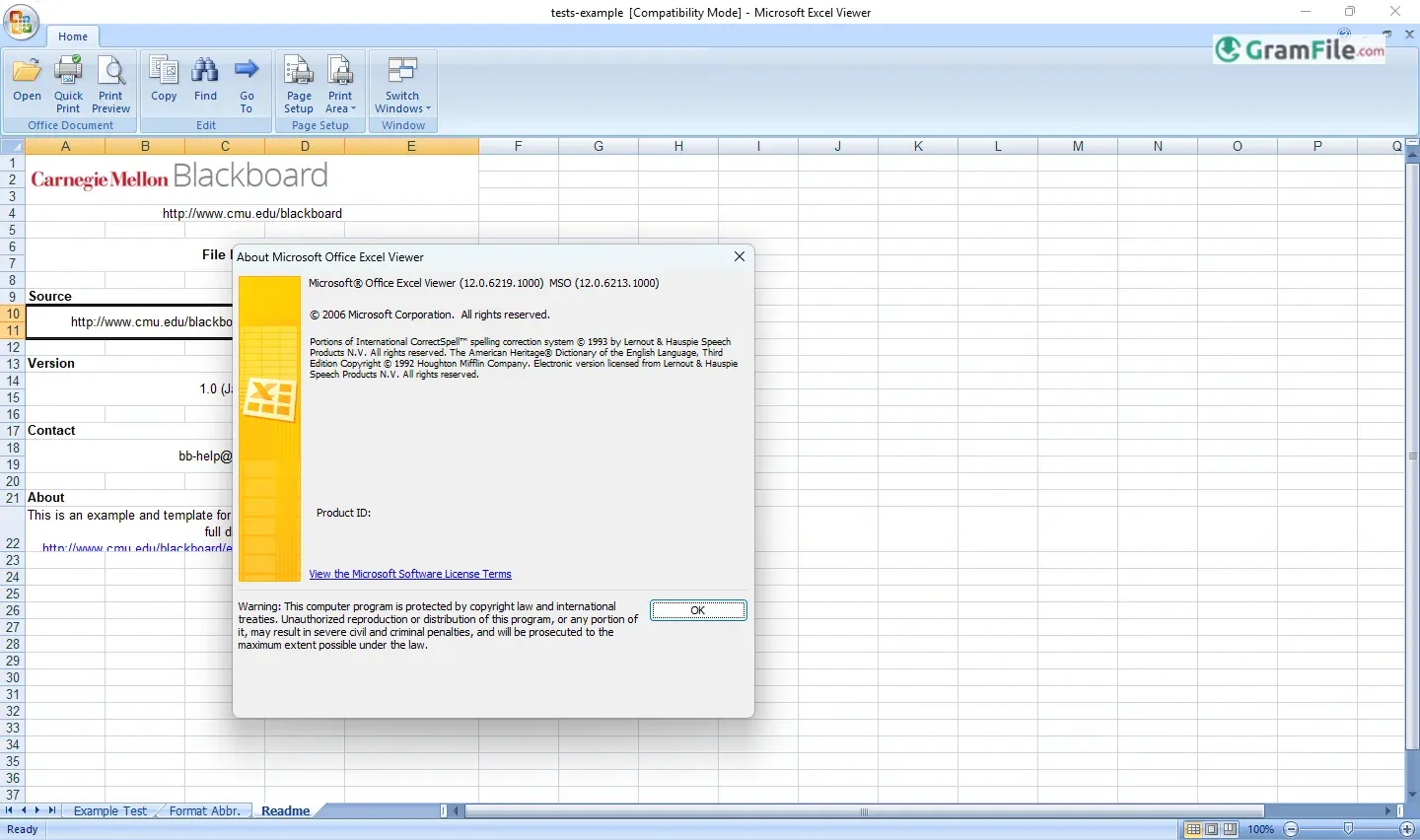
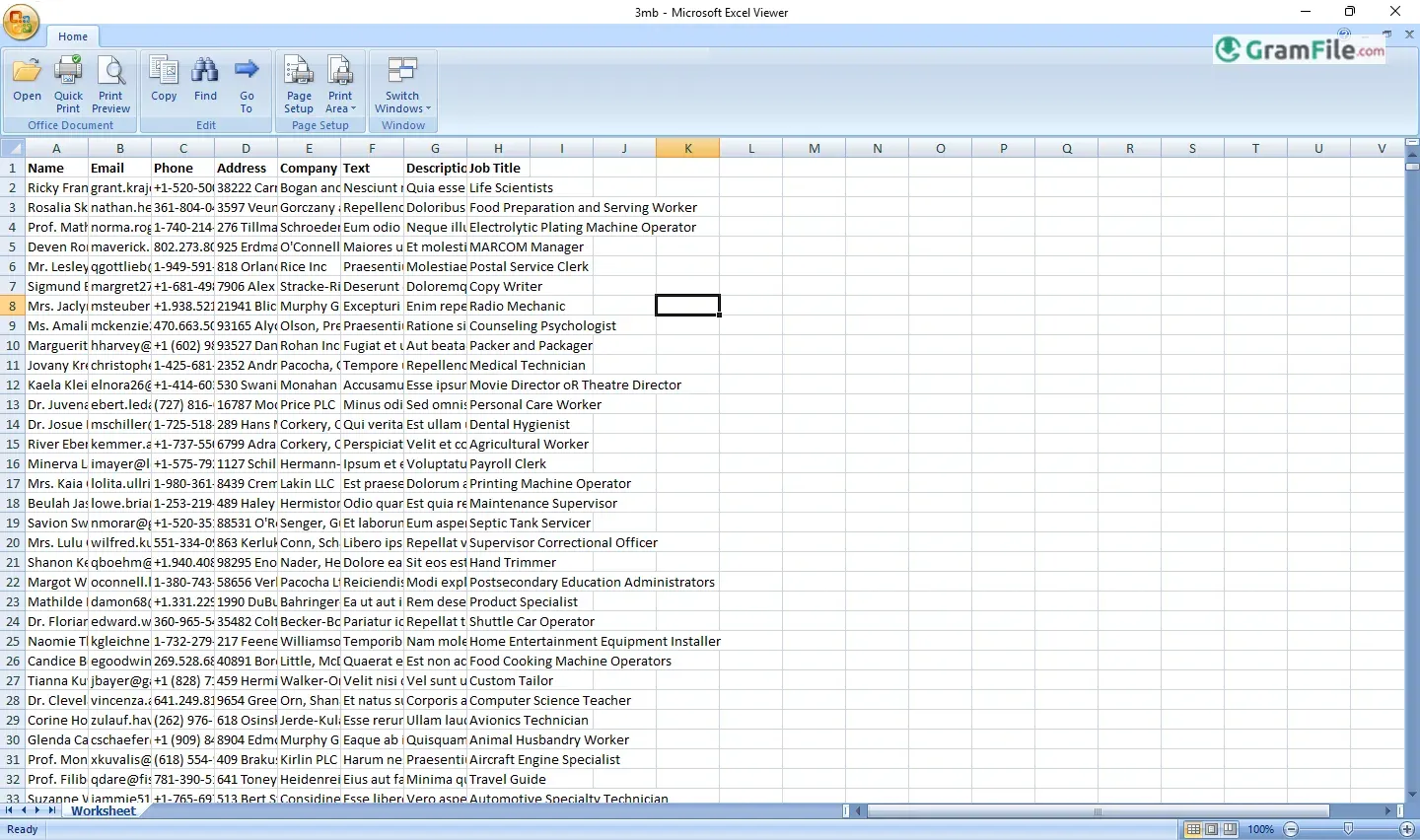
Microsoft Excel Viewer is a simple but useful tool for anyone who needed to open, print, or copy data from Excel files, without requiring a full Microsoft Office license.
Designed as a lightweight alternative, it provides essential viewing functionality for .xls, .xlsx, and other spreadsheet formats, making it a practical solution for quick checks or sharing files with users who don’t have Excel installed.
Originally released in the early 2000s, Excel Viewer filled an important gap before cloud-based solutions and free alternatives like Excel Online became widespread.
Microsoft eventually discontinued it in 2018, shifting focus to web and subscription-based options. Still, for its time, it is a reliable, no-cost way to access critical spreadsheet data, no editing, just straightforward viewing.
Before everyone relied on cloud-based Excel Online or free alternatives like LibreOffice, there was Microsoft Office Excel Viewer, a no-frills solution for one simple task: letting you view Excel files without paying for Microsoft Office.
What is Microsoft Excel Viewer?
A free, standalone program from Microsoft that allows you to:
- Open and view Excel files (.xls, .xlsx, .csv)
- Print spreadsheets
- Copy data to other programs
…but not edit, save, or create new files. It is perfect for quick checks, printing invoices, or extracting data without needing a full Office license.
The Last Version & Why there is no new updates?
Microsoft quietly discontinued Excel Viewer support in 2018, removing it from their official site. The final version (Excel Viewer 2007) still works on Windows 10/11 (32-bit and 64-bit), but since it’s no longer updated, it lacks support for newer Excel features.
Remember: If you need it, GramFile still offers a free download of the last available version of Microsoft Excel Viewer. Get it by clicking the Download Button above.
How to Download & Install
Since Microsoft no longer offers it, you’ll need to find it through trusted third-party archives like:
- GramFile – Hosts the original, untouched installer.
- MajorGeeks – A reputable tech site with safe downloads.
Installation steps
- Download the .exe file (about 30MB).
- Run the installer – no activation or login required.
- Open any Excel file by right-clicking and selecting Open with Excel Viewer.
Pros & Cons
What we liked
- Free
- Fast install
- Works offline
- Opens most files
- Easy to use
What we didn't like
- View only
- No updates
- Security risks
- Old files only
- 32-bit limits
Best Microsoft Excel Viewer Alternatives
-
 Microsoft 365 (Office)
Rents you the latest Office apps with cloud storage for always-on access.
-
 Microsoft Office 2024
A one-time purchase offline installer - Pro Plus 64-bit office suite.
-
 Microsoft Office 2016
A stable desktop office suite with smart cloud sharing and collaboration features.
-
 Microsoft Office 2021
A one-time purchase offline setup of Word, Outlook, and PowerPoint (2021).
Conclusion
4.1out of 5 · 68 user ratings
Microsoft Excel Viewer remains a handy tool for one specific job: letting you open and print Excel files without paying for Microsoft Office.
While it’s no longer updated, it still works if you need a simple, no-frills solution.
Why Consider Excel Viewer?
- Completely free – No subscriptions or hidden costs.
- Works offline – No internet or Microsoft account needed.
- Lightweight – Installs fast and runs smoothly, even on older PCs.
Excel Viewer vs. Modern Alternatives
- Excel Online (Free) → Better for editing, but requires internet.
- LibreOffice Calc → More features, but a larger download.
- Google Sheets → Great for collaboration, but cloud-only.
Who Should Use It?
Excel Viewer is worth trying if:
- You only need to view or print Excel files (no editing).
- You’re on a low-spec or offline PC.
- You work with older .xls files and don’t need the latest features.
For most users, Excel Online or LibreOffice are better choices—but if you need a quick, offline viewer, Excel Viewer still does the job.
Final Thought: It’s outdated, but not obsolete—a simple tool that still works when you need it.
Found a problem with this download? Report an outdated version, broken link, suspicious installer or incorrect information.
 Zoom Workplace
 Nitro PDF Pro
 Sumatra PDF
 IrfanView
 K-Lite Codec Pack
 WinRAR