A pioneer in web browsing since the mid-90s, Opera Browser for Windows is a free, fast, and customizable option known for its innovative features.
Developed by Opera Software, it boasts a clean interface and a unique sidebar for quick access to bookmarks, history, extensions, and even a built-in ad blocker and free VPN. This focus on speed and security has earned Opera a loyal following, along with features like a personal newsfeed and integrated social messaging for a more streamlined browsing experience.
More than just browsing, Opera allows you to sync your data across devices and offers a handy “Flow” feature to easily share content between them.

- Speed demon: Opera prioritizes performance, delivering a lightning-fast browsing experience to keep you ahead of the curve.
- Built-in VPN shield: Enjoy the freedom and security of a free, integrated VPN, protecting your privacy with a single click.
- Customization champion: Craft a personalized browsing experience with a sleek interface and extensive extension library.
- Tab tamer: Master multitasking with a user-friendly tab management system, keeping your browsing organized and clutter-free.
- Battery booster: Opera is designed to be resource-efficient, extending your laptop’s battery life for longer browsing sessions.
How to Download & Install
Effortless Installation
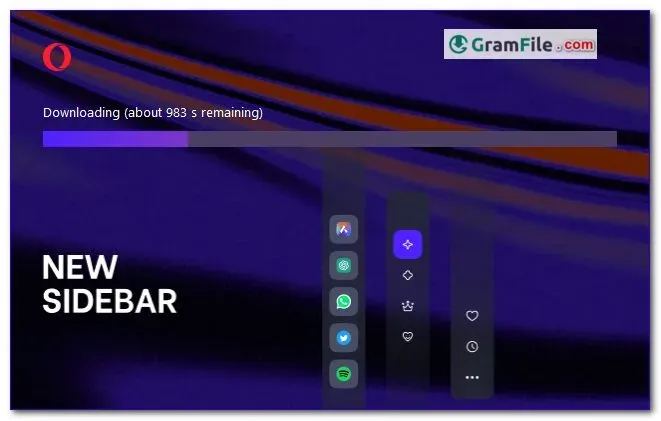
Downloading and installing Opera is a breeze. The official website offers a single, clean installer that automatically detects your system’s architecture (32-bit, 64-bit, or ARM64) and installs the appropriate version. No need to worry about compatibility headaches.
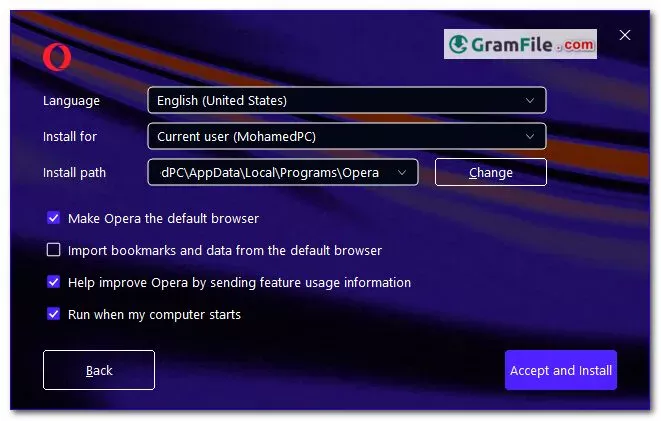
Offline Option
For situations where internet access is limited, Opera provides a downloadable offline installer. This is perfect for corporate deployments or personal use on machines without an active connection.
Future-Proof Choice
Opera’s inclusion of a dedicated ARM64 version demonstrates its commitment to cutting-edge technology. This ensures optimal performance on modern Windows machines powered by ARM processors.