

Download Details
- Version
- 2019 (latest)
- File size
- 4.21 MB
- License
- Free
- Developer
- Microsoft Corporation
- Supported OS
- Windows 11, Windows 10, Windows 7
- Installers
- 64-bit (x64), 32-bit (x86)
- Downloads
- 16874
- Rating
- 4.7 out of 5 · 89 reviews
 Reviewed by Eman Sakr
Tested on Windows 11 and 10 · · How we review
Screenshots
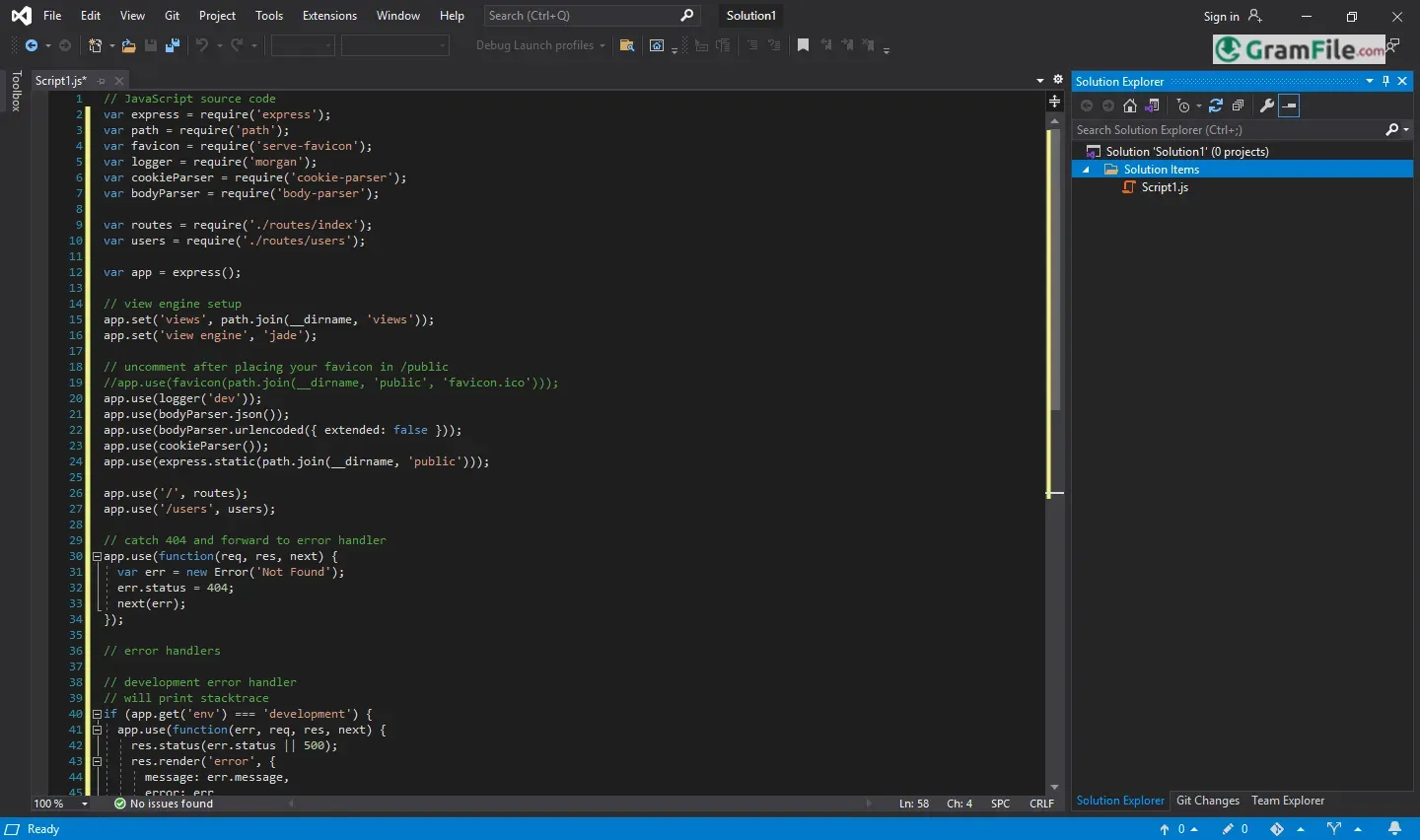
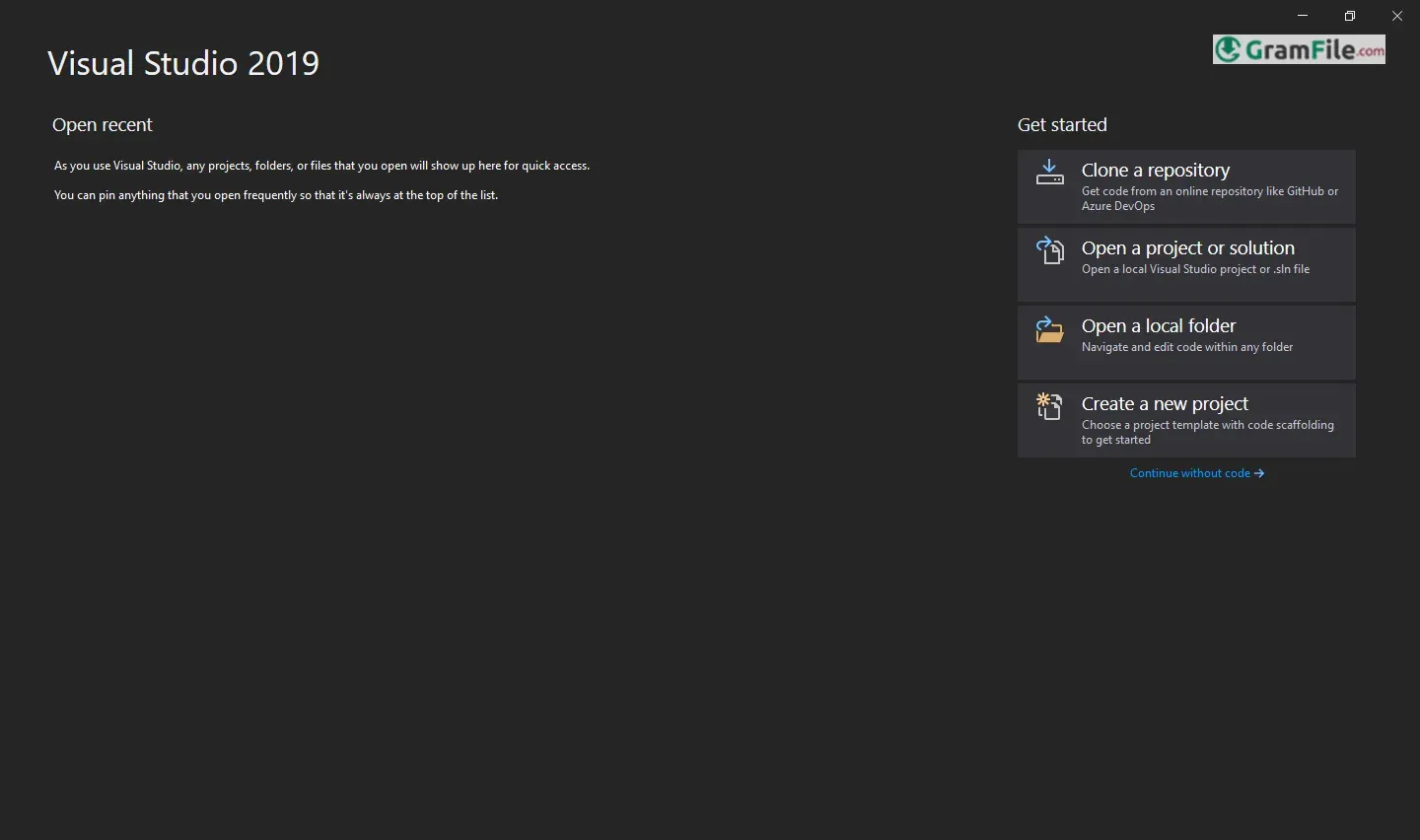
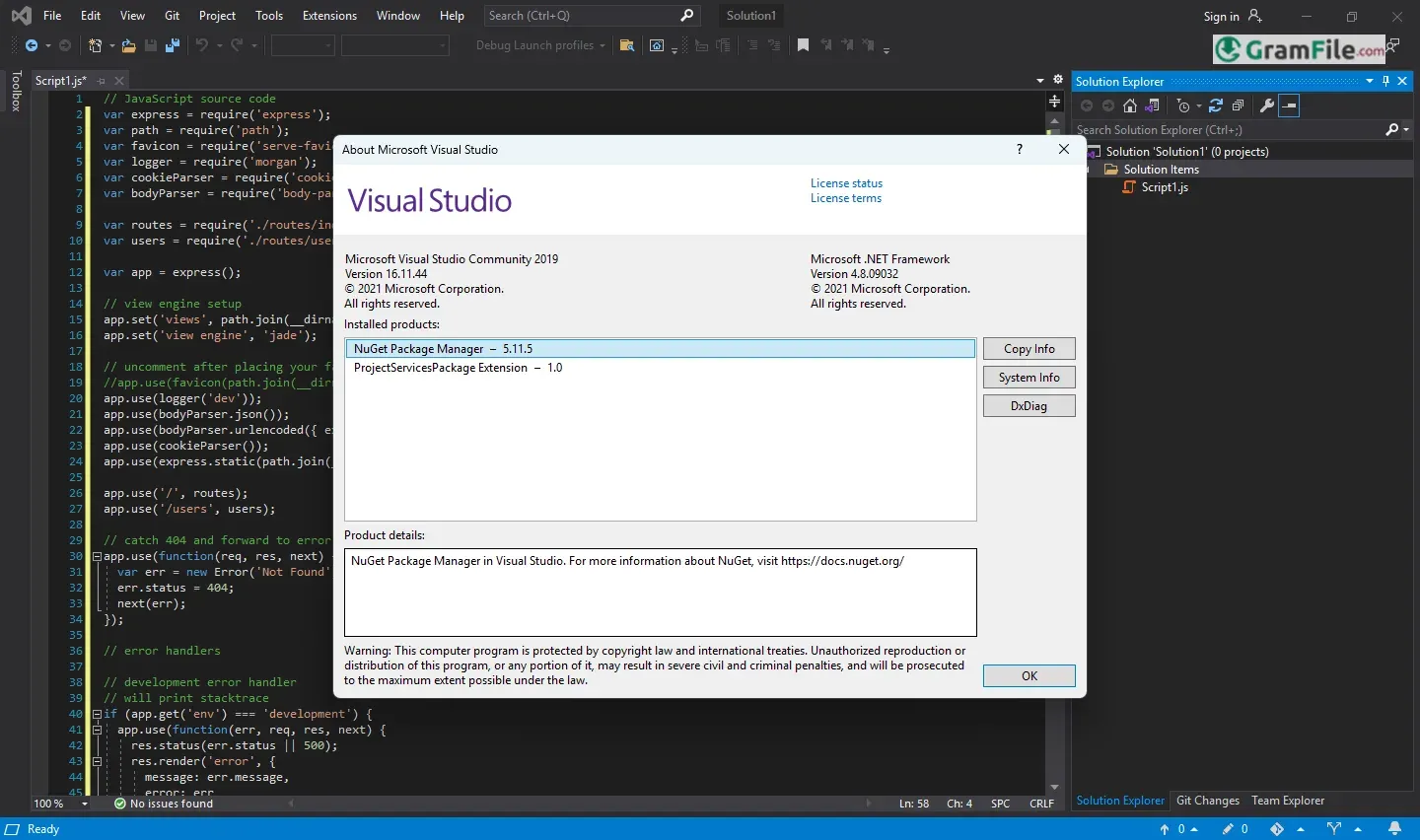
Visual Studio 2019 for Windows stands as a cornerstone in the world of software development, offering a comprehensive and intuitive environment for building applications across various platforms.
Since its initial release in 1997, Visual Studio has evolved significantly, with the 2019 version marking a milestone in its journey by introducing enhanced performance, advanced debugging tools, and seamless integration with modern development workflows.
Designed to cater to both beginners and seasoned developers, it supports a wide range of programming languages and frameworks, making it a go-to choice for creating everything from simple desktop apps to complex enterprise solutions.
Its rich history of innovation and user-focused updates has solidified its reputation as a reliable and powerful tool in the developer community.
What is Visual Studio 2019?
Visual Studio 2019 is a powerful, all-in-one integrated development environment (IDE) designed for Windows users to create, debug, and deploy applications across multiple platforms.
Whether you’re building desktop apps, mobile apps, web services, or games, Visual Studio 2019 provides the tools and features to streamline your workflow.
It supports a wide range of programming languages, including C#, C++, Python, JavaScript, and more, making it a versatile choice for developers of all skill levels.
Latest Version Update
The latest version of Visual Studio 2019 (as of its final update in 2021) brought significant improvements in performance, productivity, and user experience.
Key updates include faster load times, enhanced IntelliSense (code completion), better debugging tools, and improved support for cloud development with Azure.
The update also introduced new features like Live Share for real-time collaboration and AI-powered code suggestions, making coding faster and more efficient.
Free Version
The Community edition is free for individual developers, open-source projects, and small teams, offering most of the features found in the paid Professional and Enterprise editions.
Extensions and Customization
Visual Studio 2019 supports a vast library of extensions to add new functionalities, such as additional language support, themes, and productivity tools.
Cross-Platform Development
With tools like Xamarin and .NET Core, you can build applications for Windows, macOS, Linux, iOS, and Android from a single IDE.
Git Integration
Built-in Git support allows seamless version control, making it easier to manage and collaborate on code projects.
64-bit Architecture
Visual Studio 2019 takes advantage of 64-bit architecture, allowing it to handle larger projects and utilize more system memory. This is a big plus for developers working on resource-intensive applications.
Key Features and Highlights
- Code Faster: Smart suggestions help you write code quicker.
- Debug Easier: Find and fix errors without the headaches.
- Build Apps for Anything: Make desktop, web, or mobile software.
- Live Share: Code together with others, in real-time.
- Git Integration: Manage your code projects smoothly.
- Extensive Extensions: Add extra tools as you need them.
- Cloud Connected: Works well with Azure services.
- Performance Boost: Faster start-up and project loading.
- Improved Search: Find what you need, fast.
- Community Edition: Free for many developers.
Pros & Cons
What we liked
- Stable. It just works.
- Feature-rich. Lots of tools.
- Good for Windows. Best for that.
- Community version. Free, mostly.
- Extensible. Add what you want.
- Solid debugger. Finds the bugs.
- Mature. Been around a while.
What we didn't like
- Big install. Takes space.
- Slower than 2022. Newer is faster.
- Not fully portable. Needs install.
- Updates are done. No new features.
- Can be complex. Steep learning curve.
- Resource heavy. Needs good PC.
- Less modern UI. Older look.
Best Visual Studio 2019 Alternatives
-
 Anaconda Navigator
A data science environment packed into a single installer.
-
 Arduino IDE
A coding playground for turning ideas into blinking lights and buzzing sensors.
-
 Eclipse IDE
A development environment, and a structured space, where software engineers create applications.
-
 Visual Studio Code
A free, lightweight code editor with built-in debugging, extensions, and many more.
Conclusion
4.7out of 5 · 89 user ratings
So, wrapping it all up, Visual Studio 2019 for Windows is a solid choice, even with newer versions out there. It’s like that reliable old car – not the flashiest, but it gets you where you need to go.
Why to Choose Visual Studio 2019?
Visual Studio 2019 is a top-tier development tool that combines power, flexibility, and ease of use, making it an excellent choice for developers of all levels.
Its robust features, like IntelliSense, advanced debugging, and cross-platform support, streamline the coding process and boost productivity.
The free Community edition makes it accessible to individuals and small teams, while the Professional and Enterprise editions offer advanced tools for larger organizations.
Whether you’re building desktop apps, mobile apps, or cloud-based solutions, Visual Studio 2019 provides everything you need in one place.
Visual Studio 2019 vs Others
Compared to other IDEs like JetBrains Rider, Eclipse, or VS Code, Visual Studio 2019 stands out for its comprehensive feature set and seamless integration with Microsoft technologies like Azure and .NET.
While tools like VS Code are lightweight and great for quick edits, Visual Studio 2019 excels in handling large, complex projects with its advanced debugging, profiling, and collaboration tools.
It’s also more beginner-friendly than Eclipse, offering a smoother learning curve and better documentation.
However, it can be resource-heavy, which might be a drawback for users with older hardware.
Final Thoughts
Basically, if you need a dependable workhorse for Windows development, and you don’t necessarily need the absolute latest bells and whistles, Visual Studio 2019 is a perfectly good option.
It’s a tool that’s proven itself, and it’ll get the job done.
Found a problem with this download? Report an outdated version, broken link, suspicious installer or incorrect information.
 Zoom Workplace
 Nitro PDF Pro
 Sumatra PDF
 IrfanView
 K-Lite Codec Pack
 WinRAR