

Download Details
- Version
- 2026 (latest)
- File size
- 144 MB
- License
- Free
- SHA-256 checksum
cc2a1af8640ff381d88081892b03d3ed5b10ebc04906284f8b26860e7841288dcaedbddb49bd533bdb0efa522f7bdada6c425c35cfbb25858e4f0f16d33d224a- Developer
- Eclipse.org FoundationInc.
- Supported OS
- Windows 11, Windows 10
- Installers
- 64-bit (x64), ARM (Arm64), Offline
- Downloads
- 22390
- Rating
- 4.8 out of 5 · 86 reviews
 Reviewed by Eman Sakr
Tested on Windows 11 and 10 · · How we review
Screenshots
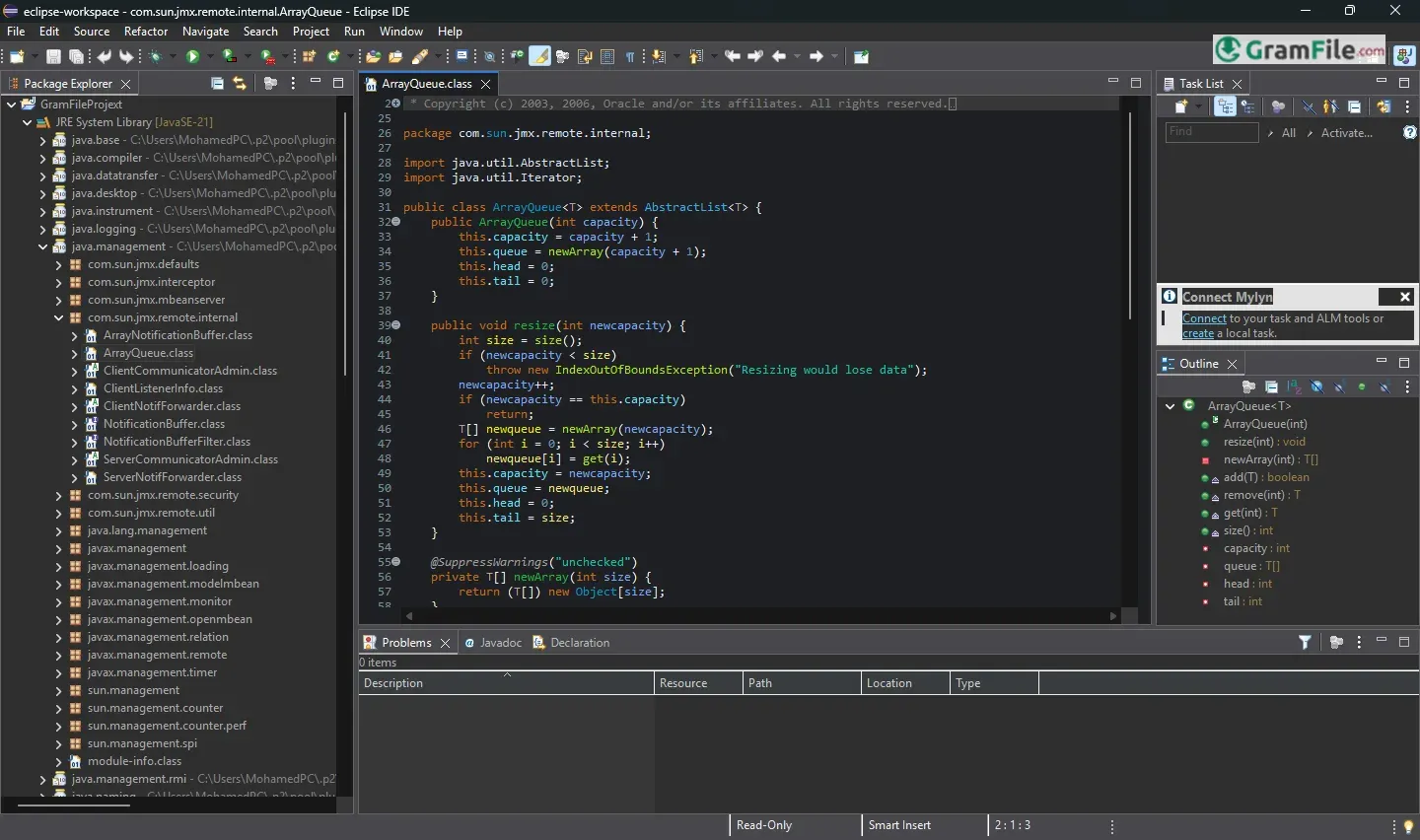
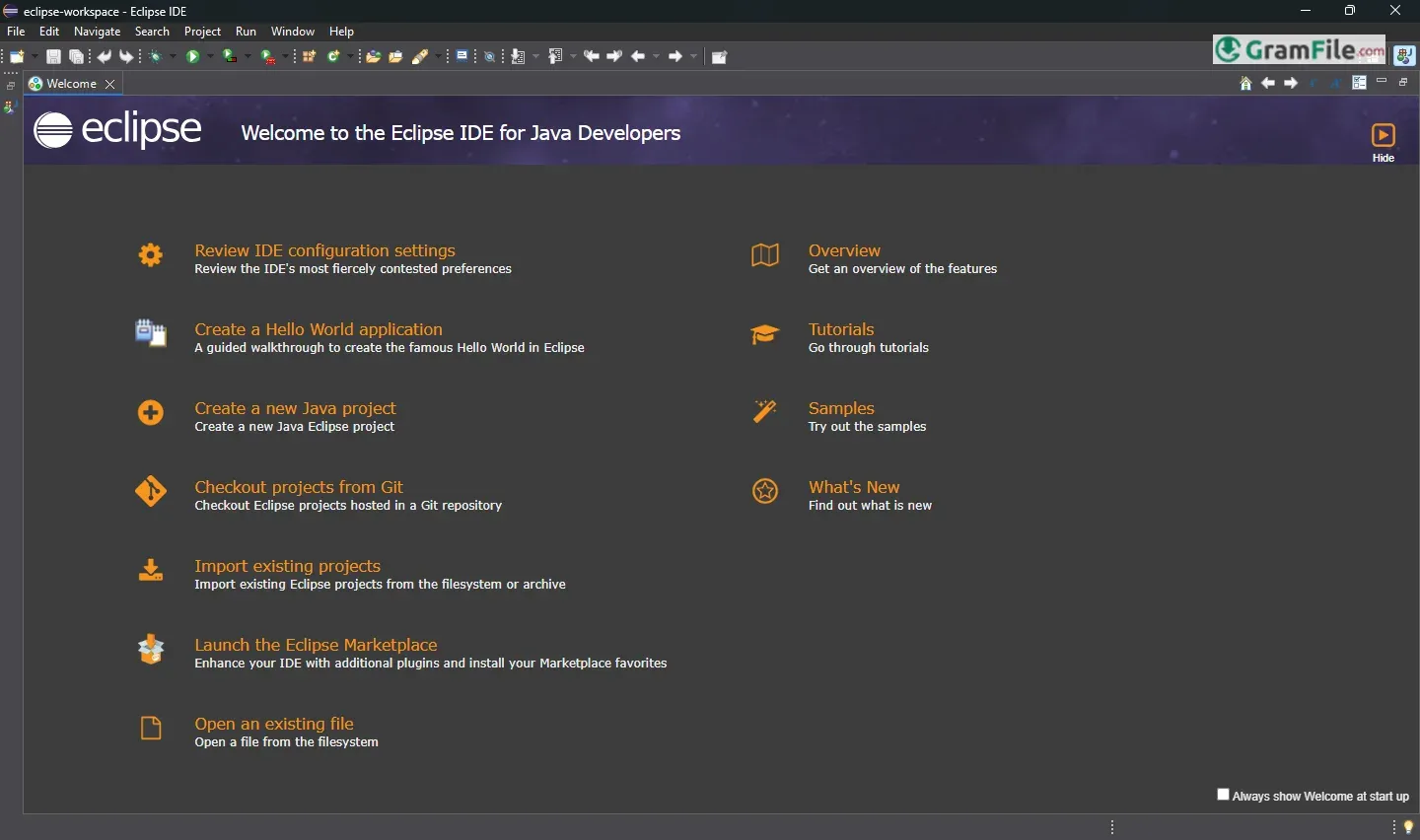
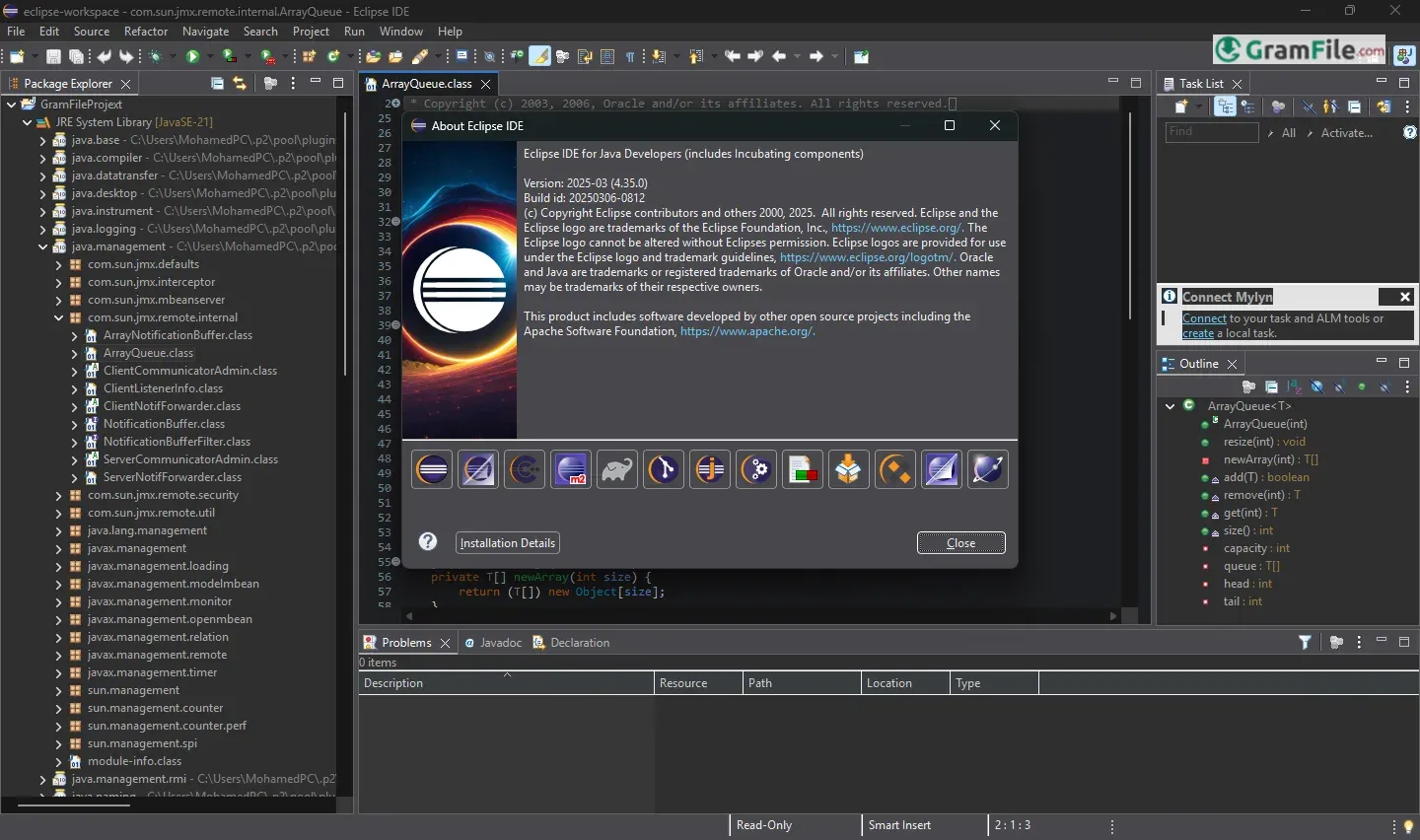
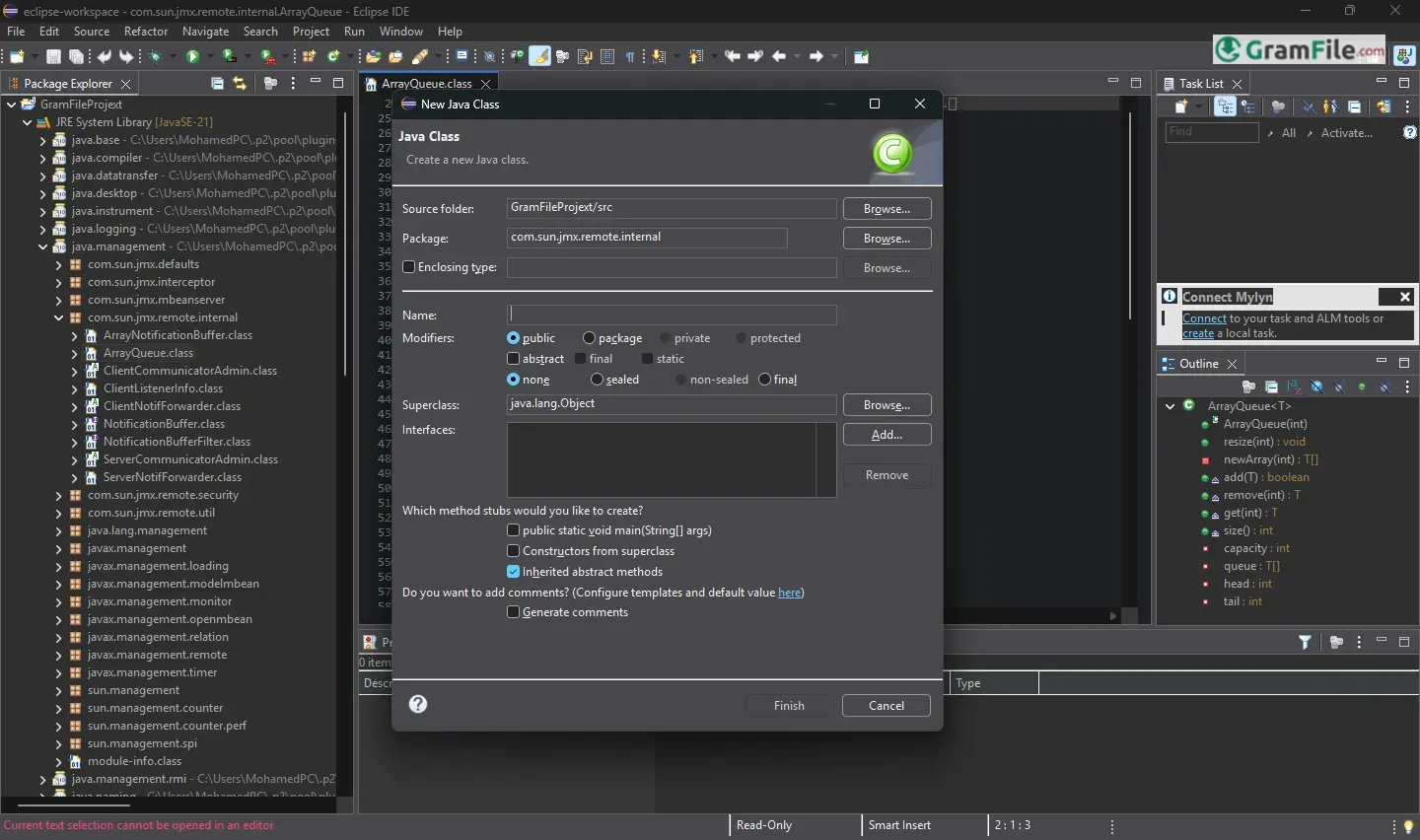
You know, that thing coders use? It’s not just some app; it’s a whole world for building software. Imagine a workshop, but for computer programs – that’s Eclipse.
Eclipse for Windows is a powerful, open-source integrated development environment (IDE) designed to help developers build software applications with ease and precision.
Known for its flexibility, it supports multiple programming languages, including Java, C++, and Python, making it a versatile tool for a wide range of projects.
Originally created by IBM in 2001 as a Java-based development platform, Eclipse quickly gained popularity for its modular design and extensibility.
In 2004, the Eclipse Foundation was established as an independent non-profit organization to oversee its growth and development.
Since then, Eclipse has become a cornerstone of the open-source community, offering free, high-quality tools that empower developers worldwide to innovate and collaborate effectively. Its rich history and continuous evolution make it a trusted choice for professionals and beginners alike.
What’s Eclipse, Anyway?
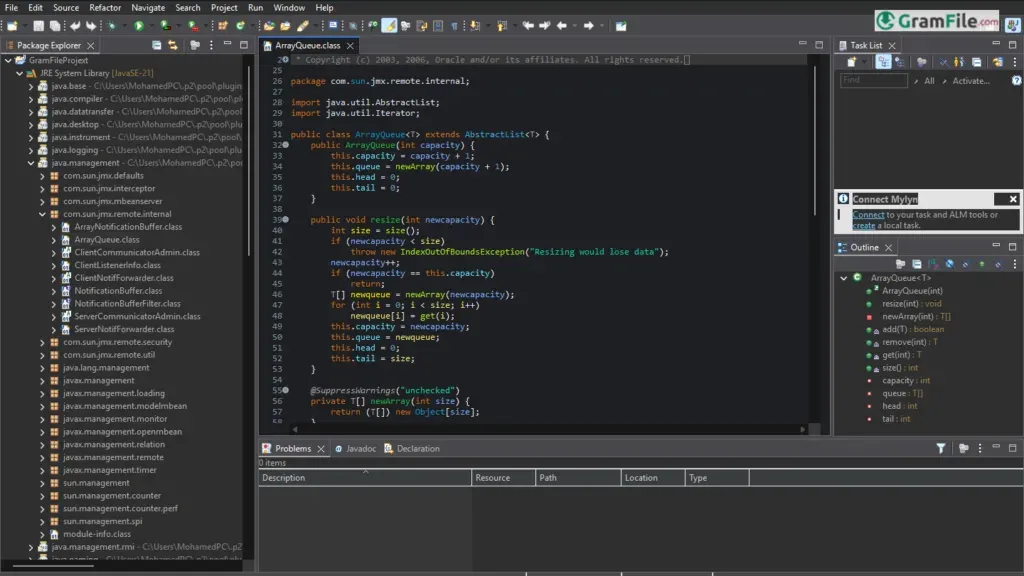
Eclipse is a free, open-source integrated development environment (IDE) that helps developers write, test, and debug software applications.
It’s especially popular for Java development but supports many other programming languages like C++, Python, and PHP.
Eclipse is known for its flexibility, thanks to a wide range of plugins that let you customize it for almost any project.
Okay, let’s dive into Eclipse on Windows, like we’re sitting down for a good chat about coding tools.
What’s Eclipse, Anyway?
Think of Eclipse as a big, organized workbench for building computer programs. It’s not just for writing code; it helps you manage everything, from organizing files to testing your creations.
IDE? What’s That?
IDE stands for “Integrated Development Environment.” Basically, it’s a software package that gives you all the tools you need to code in one place.
Imagine a carpenter’s toolkit – that’s your IDE. It has an editor for writing code, tools to find mistakes, and ways to run your programs.
Eclipse IDE Versions
Eclipse releases new versions regularly, each with improvements and new features. These versions are named after the year and month of their release, like Eclipse 2023-09 or Eclipse 2024-03.
The upcoming Eclipse March 2025 version is expected to bring even more advanced tools and better performance for developers.
Eclipse IDE for Java Developers Download
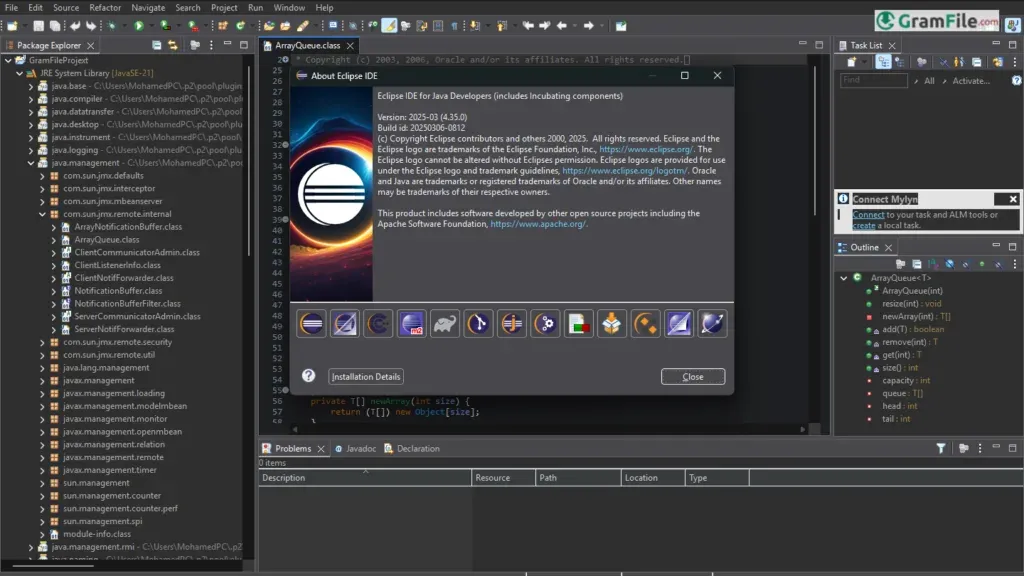
If you’re a Java developer, you can download the Eclipse IDE for Java Developers package directly from the Eclipse Foundation’s website.
This version comes pre-configured with tools specifically for Java development, making it easy to get started right away.
Eclipse IDE Installation
Installing Eclipse on Windows is straightforward:
- Download the installer from the official Eclipse website.
- Run the installer and choose the package you need (e.g., Eclipse IDE for Java Developers).
- Follow the on-screen instructions to complete the setup.
- Launch Eclipse, and you’re ready to start coding!
Best Java IDE? The Debate Continues
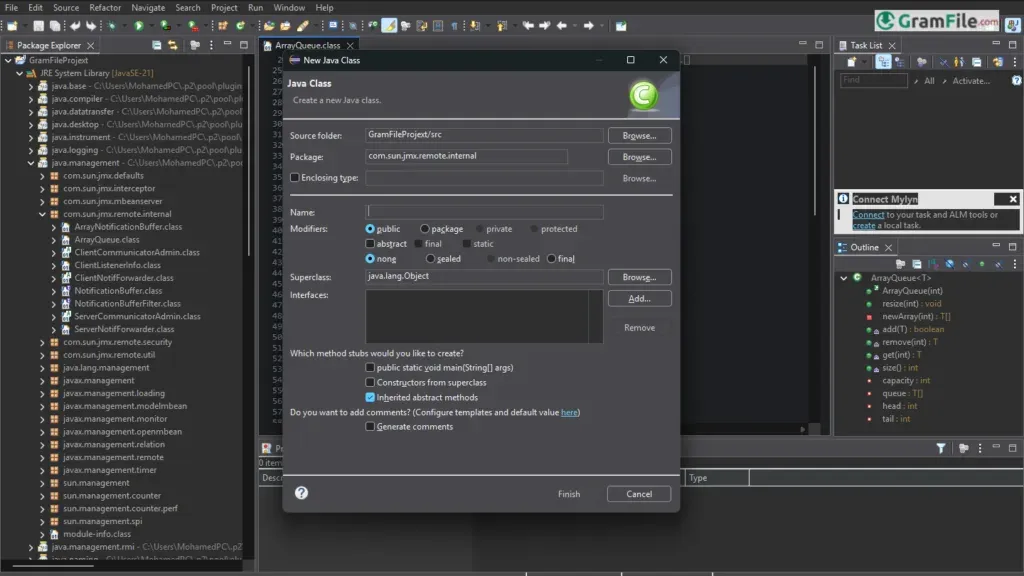
Is Eclipse the “best” Java IDE? That’s a tricky question. It depends on your needs and preferences. Eclipse is definitely a strong contender, known for its flexibility and powerful features.
However, other IDEs like IntelliJ IDEA are also popular, especially for their user-friendly interface. It’s worth trying a few to see which one clicks with you.
Pros & Cons
What we liked
- Free and open-source.
- Works with many languages.
- Easy to customize.
- Great for Java coding.
- Good for debugging.
- Light and fast.
- Built-in Git support.
What we didn't like
- Can run slow sometimes.
- Looks a bit old.
- Plugins can be tricky.
- Limited official help.
- Not as sleek as paid tools.
Best Eclipse IDE Alternatives
-
 Anaconda Navigator
A data science environment packed into a single installer.
-
 Arduino IDE
A coding playground for turning ideas into blinking lights and buzzing sensors.
-
 Visual Studio 2019
A versatile tool for building apps and software efficiently with smart coding features.
-
 Visual Studio Code
A free, lightweight code editor with built-in debugging, extensions, and many more.
Conclusion
4.8out of 5 · 86 user ratings
Well, it’s free, which is a big plus. It’s also been around forever, so it’s got a huge community behind it.
That means if you get stuck, there’s always someone out there who’s probably had the same problem. And you can tweak it to do pretty much anything you need, with all those plugins.
It is ideal for those who value customization and control. Its plugin system allows you to tailor the IDE to your exact needs, while its robust debugging and testing tools ensure your code runs smoothly.
For Java developers, in particular, Eclipse remains one of the top choices due to its dedicated features and seamless integration.
Eclipse vs Others
While IDEs like IntelliJ IDEA and NetBeans offer polished interfaces and advanced features, Eclipse stands out for being completely free and open-source.
It may not have the sleek design of IntelliJ or the simplicity of NetBeans, but its flexibility and extensive plugin ecosystem make it a strong competitor. For developers on a budget or those who prefer open-source tools, Eclipse is hard to beat.
In short, Eclipse for Windows is a trusted, feature-rich IDE that continues to empower developers worldwide. If you’re looking for a free, customizable, and powerful development environment, Eclipse is an excellent choice.
Found a problem with this download? Report an outdated version, broken link, suspicious installer or incorrect information.
 Zoom Workplace
 Nitro PDF Pro
 Sumatra PDF
 IrfanView
 K-Lite Codec Pack
 WinRAR