

Download Details
- Version
- 4.90.3000 with Release 2.3 (latest)
- File size
- 643.84 MB
- License
- Free Trial
- Developer
- Microsoft Corporation
- CPU Support
- 32-bit (x86), Offline
- Downloads
- 4841
- Rating
- 4.1 out of 5 · 18 reviews
- File name(s)
- WMEUPD_23.iso
 Reviewed by Mohamed Zaki
Tested on PC, Virtual Machine · · How we review
Screenshots
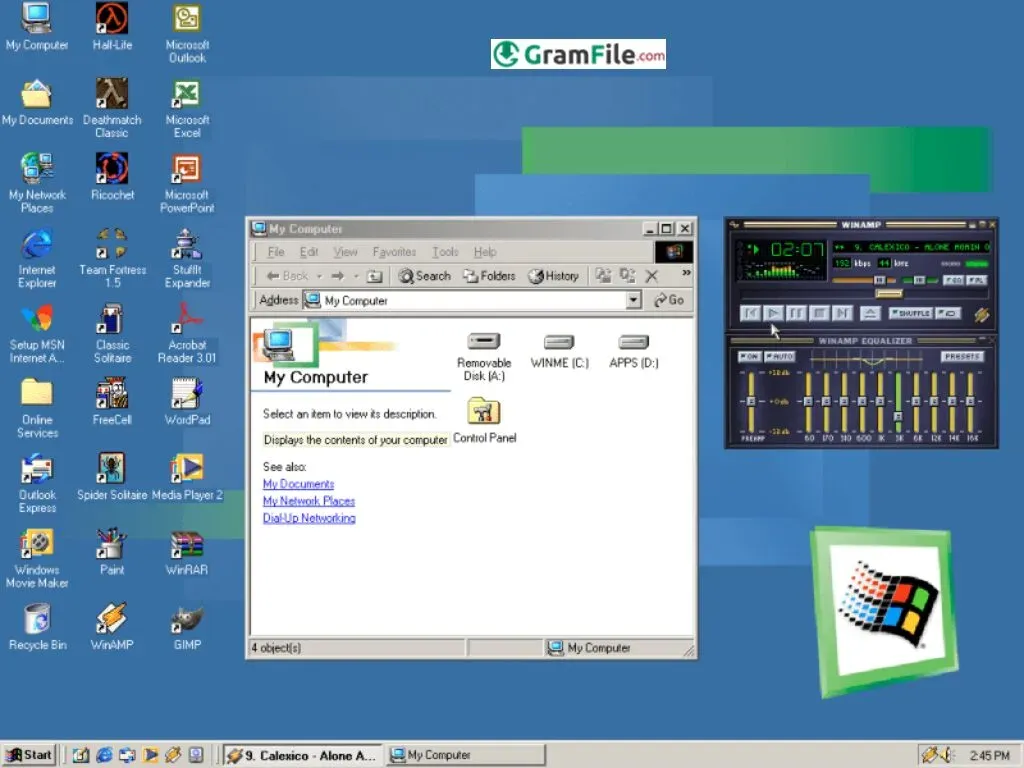
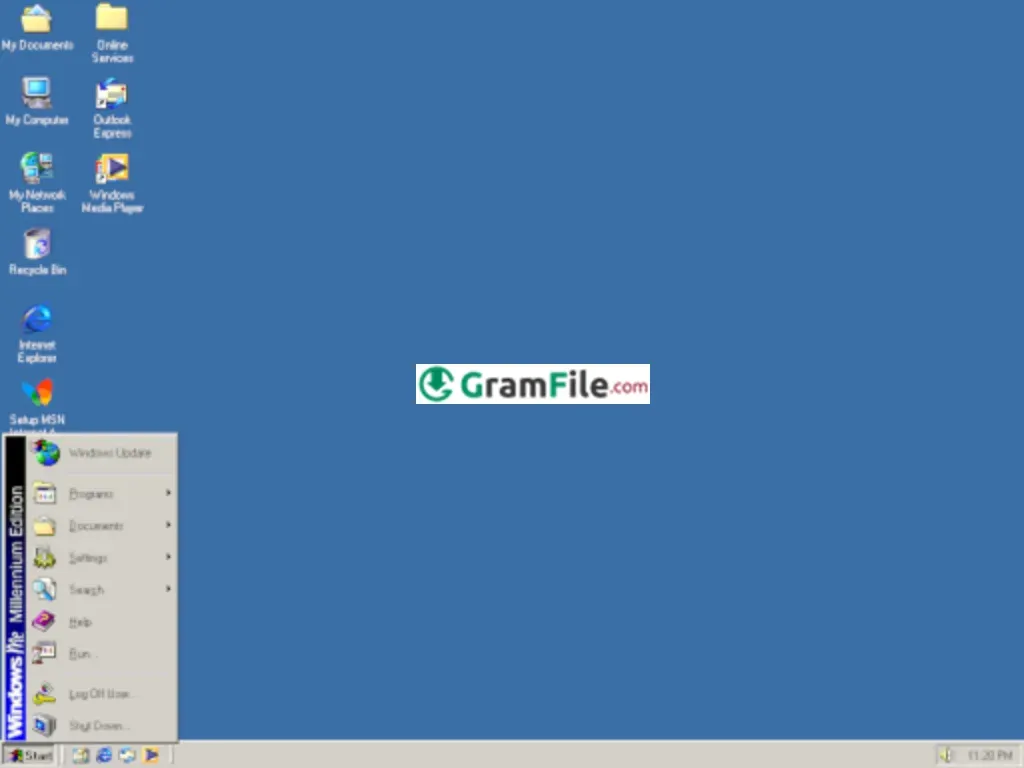
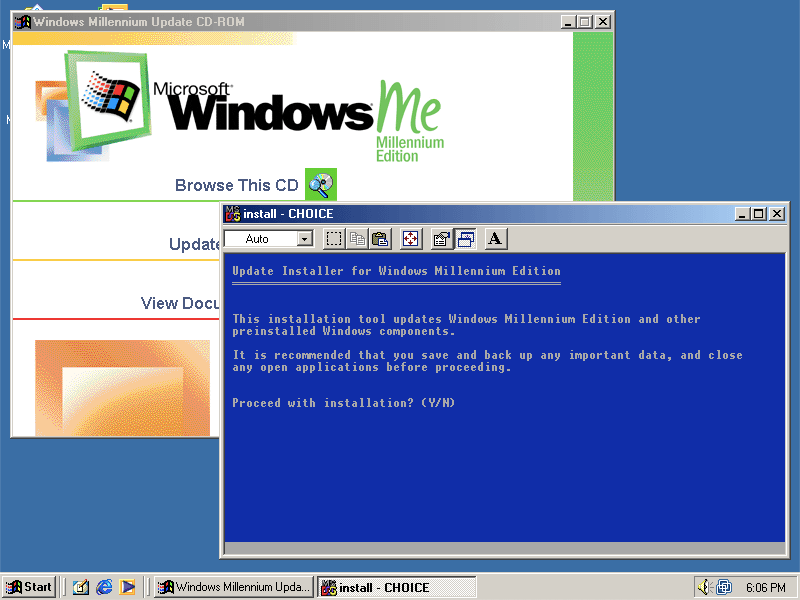
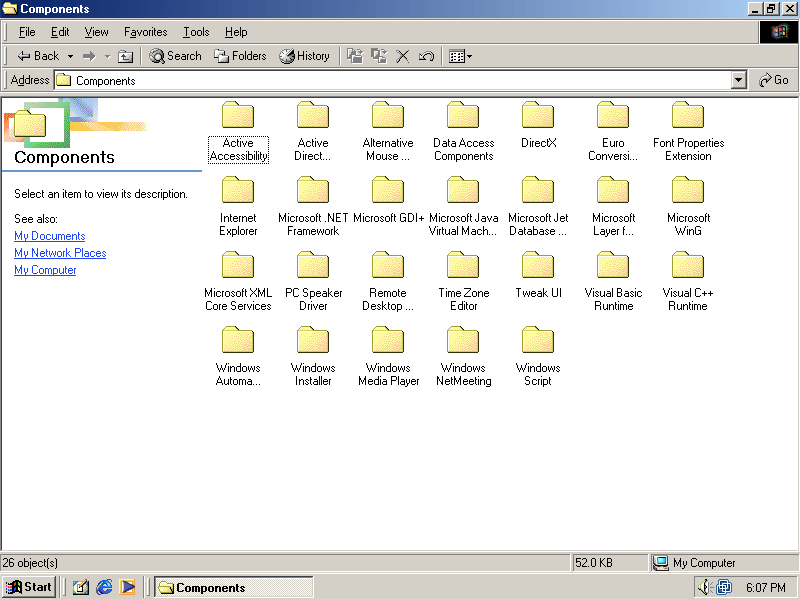
Windows Millennium Edition (ME), often remembered with a mix of nostalgia and frustration, was Microsoft’s final, ill-fated iteration of the Windows 9x kernel architecture.
Launched on September 14, 2000, ME was pitched as the ultimate operating system for home users, focusing heavily on multimedia, home networking, and simple plug-and-play functionality.
What is Windows ME?
Windows ME is a 16-bit/32-bit hybrid operating system released by Microsoft. It was the successor to Windows 98 SE and the precursor to Windows XP.
Architecturally, it sits atop the aging MS-DOS foundation (unlike the NT-based Windows 2000 and XP), which allowed it to maintain compatibility with a vast range of legacy software and hardware, particularly older DOS-based games.
The primary focus of ME was to enhance the home user experience by integrating features like enhanced digital media creation (Windows Movie Maker) and a more automated, hands-off approach to system maintenance.
Key Features & Highlights
- Faster boot with PC Health tools.
- System Restore for quick recovery.
- New Windows Movie Maker included.
- Improved USB and device support.
- Enhanced home networking setup.
- Autoplay improvements for media.
- Better digital photography features.
- Updated user interface visuals.
- More stable multimedia handling.
- Integrated online services tools.
How to Download & Install
This guide is written for retro PC enthusiasts installing the OS on older hardware or virtual machines.
Step 1 – Get the Installation Files
Obtain a clean Windows ME ISO image from a trusted, legal source or your original installation CD.
Step 2 – Prepare Installation Media
You can use:
- A bootable CD
- A USB drive created using old-system compatible tools
- A virtual machine ISO mount (for VMware, VirtualBox, or Hyper-V)
Step 3 – Configure Your System
If installing on real hardware, ensure the BIOS supports booting from CD or USB.
- For virtual machines, choose: 64MB to 256MB RAM
- 2–10GB hard disk
- Legacy IDE storage
- AC97 audio
- Standard VGA graphics
Step 4 – Start the Setup
Boot from the installation media and select Start Windows Setup.
The installer will load MS-DOS-style setup screens, then launch the graphical interface.
Step 5 – Partition and Format
- Choose FAT32 as the filesystem.
- Create or format the partition as required.
Step 6 – Install System Files
The installer will copy files, reboot several times, detect components, and install drivers.
Step 7 – Finish and Configure
Enter your username, set the date and time, and install additional drivers for sound, video, or network if needed.
Windows ME will then boot into its desktop environment.
System Requirements
Even by modern standards, Windows ME has very low hardware demands:
- CPU: 150 MHz or faster
- RAM: 32MB minimum (64MB recommended)
- Hard Disk: 320MB free space
- Graphics: VGA or better
- Drives: CD-ROM drive for installation
- Sound Card: Optional but recommended
These requirements made it accessible to a wide range of computers at its release.
64-bit and 32-bit Availability
Windows ME was released only in 32-bit, and no 64-bit version was ever produced. This is because the 9x architecture was not designed for 64-bit computing.
Different Editions
Windows ME was simpler than other Microsoft OS families and came mainly in:
- Standard Home Edition
- OEM Preinstalled Editions (bundled on branded PCs)
- Upgrade Edition for Windows 98/95 users
Regardless of the edition, functionality remained largely the same.
How to Buy and Activation
Windows ME used traditional product keys rather than online activation.
Today, you can only buy Windows ME from:
- Vintage software stores
- Online auctions
- Retro PC communities
- Collector markets
Always make sure the copy is sealed, original, or verifiably genuine.
Pros & Cons
Pros
- Very fast boot times.
- Simple and friendly design.
- Great legacy game support.
- Lightweight hardware demands.
- Easy multimedia tools included.
Cons
- Limited long-term stability.
- Weak driver compatibility today.
- Not suited for business tasks.
- No modern security tools.
- Lacks 64-bit capability.
Best Windows ME Alternatives
-
 Windows 11
A simple and smooth system that makes your PC feel modern and attractive.
-
 Windows 10
A smart and stable operating system made for everyone.
-
 Windows 7 Professional
A stable and dependable operating system for professionals.


Conclusion
4.1out of 5 · 18 user ratings
Why to Choose Windows ME?
In 2025, there is only one reason to choose Windows ME: Historical study and retro-computing.
If you are a computer historian, a collector, or an enthusiast seeking to run specific DOS/early Windows 9x games on period-correct hardware, ME offers a specific, albeit volatile, slice of computing history.
For any practical, day-to-day work, it is entirely unsuitable and unsafe.
| Feature / Category | Windows ME | Windows 98 SE | Windows XP Home | Windows 7 Home | Popular Linux Distros (Ubuntu, Mint) |
|---|---|---|---|---|---|
| Release Year | 2000 | 1999 | 2001 | 2009 | Varies (constant updates) |
| System Base | Windows 9x | Windows 9x | Windows NT | Windows NT | Linux kernel |
| Stability Level | Medium | Medium-High | High | Very High | Very High |
| Hardware Requirements | Very low | Very low | Low-Medium | Medium | Low-Medium |
| Boot Speed | Fast for its time | Moderate | Fast | Very Fast | Fast |
| Multimedia Tools | Movie Maker, imaging tools | Basic tools | Movie Maker, better audio/video | Advanced multimedia suite | Wide open-source options |
| Game Support (Classic) | Excellent | Excellent | Very good | Good | Good (via emulators/Wine) |
| Modern Software Support | Very limited | Very limited | Limited | Wide | Very wide |
| Networking Features | Home networking wizard | Manual setup | Simple wizard | Advanced home networking | Advanced, flexible networking |
| Security | Basic | Basic | Improved | Modern | Very strong (open-source updates) |
| Best Use Today | Retro gaming and nostalgia | Retro systems | Legacy apps | Everyday modern use | Learning, daily use, development |
| 64-bit Version? | No | No | Yes | Yes | Yes |
Found a problem with this download? Report an outdated version, broken link, suspicious installer or incorrect information.