

Download Details
- Version
- 19.2.10.0 (latest)
- File size
- 85.6 MB
- License
- Free Trial
- Security scan
- VirusTotal: 69 of 69 engines say OK (0 flagged)
- Developer
- ESET
- Supported OS
- Windows 11, Windows 10
- Installers
- 64-bit (x64), Offline
- Downloads
- 6660
- Rating
- 4.3 out of 5 · 68 reviews
- File name(s)
- esbs_nt64.exe
 Reviewed by Ahmed Madbouli
Tested on Windows 11 and 10 · · How we review
Screenshots
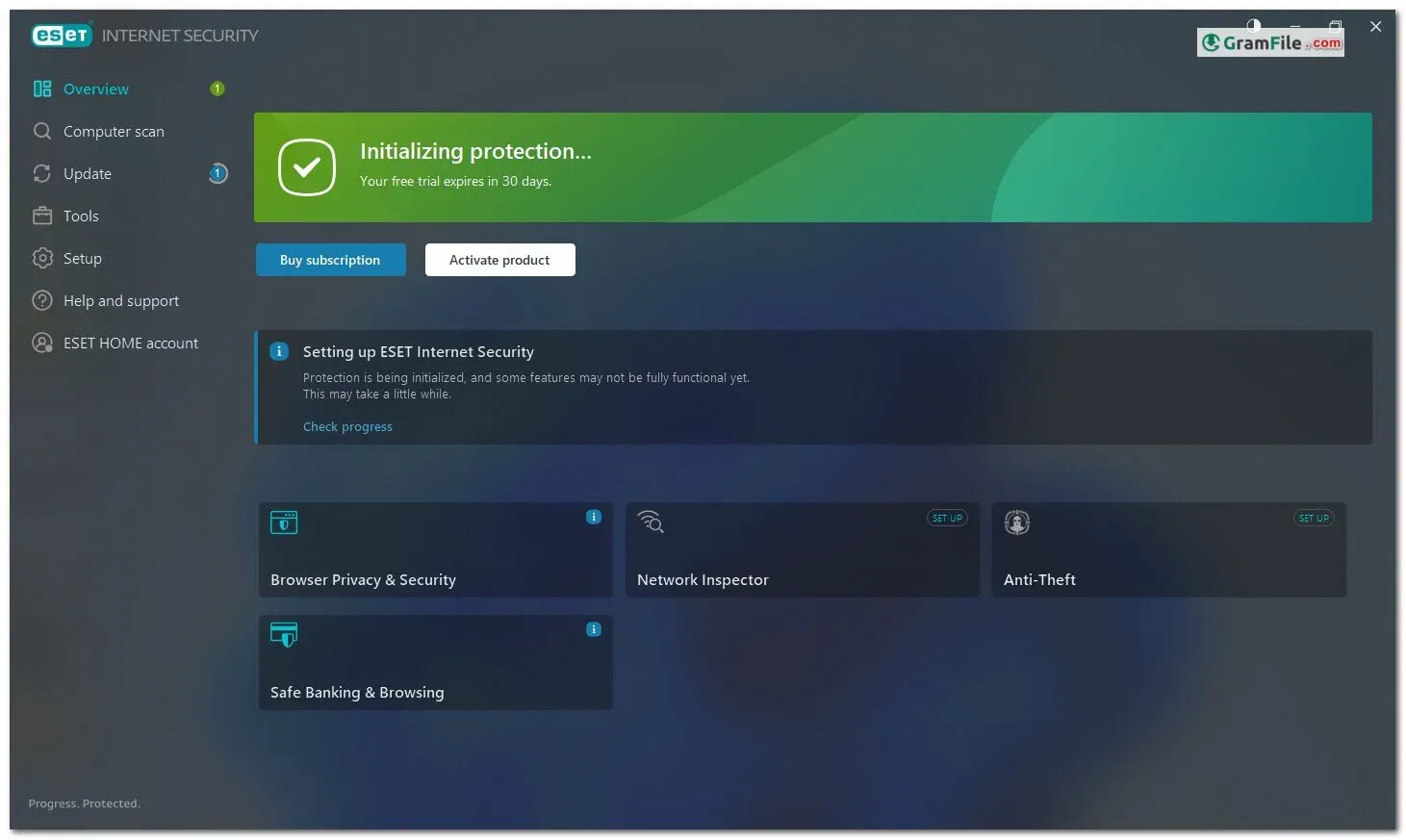
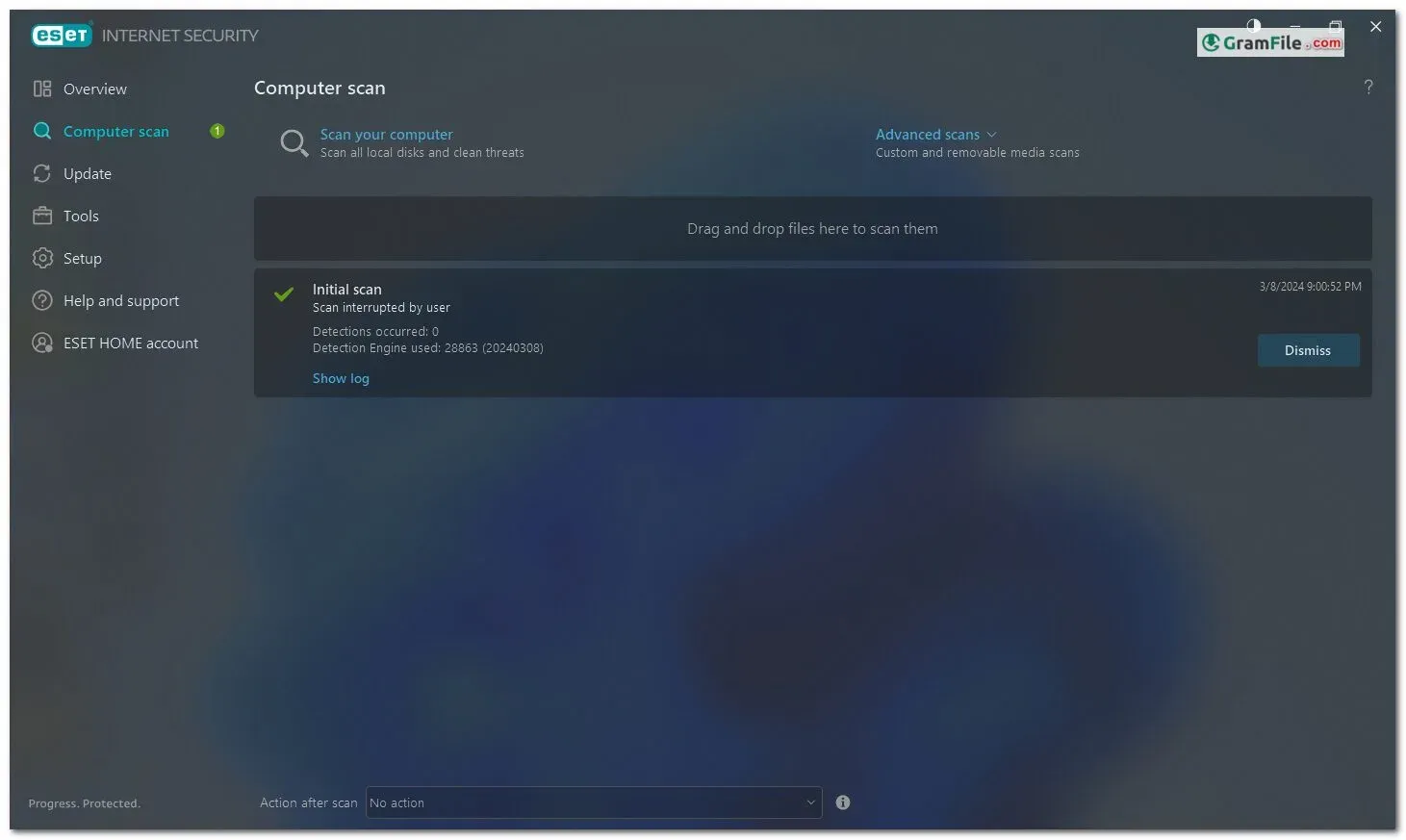
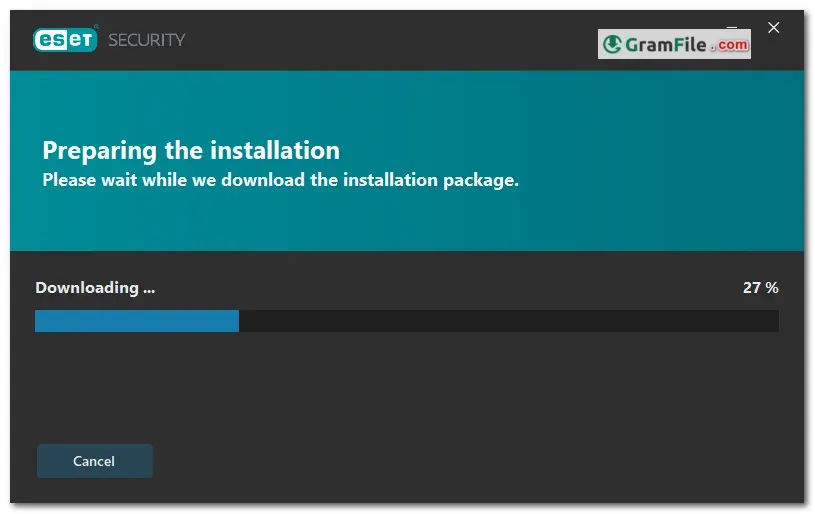
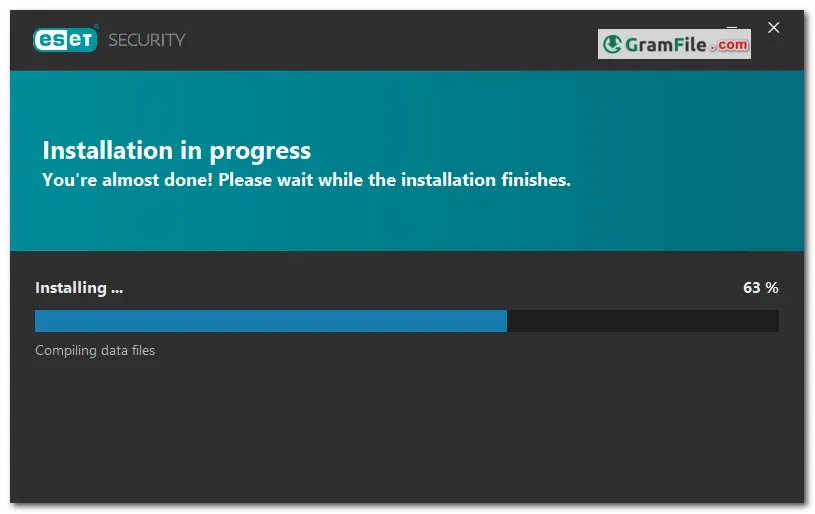
ESET Internet Security for Windows, though discontinued as a separate product, was once a comprehensive security suite offering all-in-one protection for Windows users.
Developed by ESET, a cybersecurity company trusted by over 1 billion users globally, this suite went beyond basic antivirus functionality.
In its prime, ESET Internet Security safeguarded users against viruses, spyware, and other malware, protected them from phishing scams and malicious websites, and even offered features like a personal firewall and network attack protection.
While ESET has replaced this product with their ESET HOME Security suite offering similar features across multiple platforms, ESET Internet Security for Windows remains a testament to the company’s longstanding commitment to providing robust security solutions for Windows users.
ESET Internet Security remains a comprehensive security suite for Windows PCs, offering a robust shield against a multitude of online threats.
This in-depth review explores its key features, analyzing its strengths and potential considerations for users.

Guarding Your Digital World
- Real-time scanning: Continuously monitors for and neutralizes threats.
- Firewall: Acts as a digital gatekeeper, filtering incoming and outgoing traffic.
- Web protection: Shields you from malicious websites and scams while browsing.
Beyond the Basics
- Banking & Payment Protection: A secure environment is created for online banking and financial transactions, providing peace of mind when managing your finances.
- Botnet Detection: ESET effectively identifies and blocks botnet communication, preventing your PC from unwittingly becoming part of a cybercriminal network.
- Parental Control: Manage screen time, filter inappropriate content, and control website access for a safer online environment for your children.
Performance and Usability
ESET runs efficiently in the background, ensuring minimal impact on system performance and resource usage. The intuitive interface allows for easy navigation, configuration, and access to security features.
ESET intelligently minimizes resource usage during gameplay, ensuring an uninterrupted and smooth gaming experience.
Key Features
- Multi-layered shield blocks viruses, malware, ransomware, and more.
- Built-in firewall fortifies your defenses against unauthorized access.
- Web protection safeguards you from malicious websites and phishing scams.
- Banking & Payment shield secures your online financial transactions.
- Parental controls ensure a safe online environment for your children.
- Lightweight design maintains smooth system performance.
- User-friendly interface simplifies security management.
- Gaming mode prioritizes resources for uninterrupted gameplay.
- May lack extensive customization options for power users.
- Additional features like encryption might require separate software.
Considerations
Customization: While offering core security features, ESET might lack the level of customization options available in some competitor products.
Additional Features: For users requiring advanced features like data encryption or password management, additional software might be necessary.
How to Download & Install
This section dives into the practical aspects of using ESET, guiding you through download, installation, licensing, and login processes.
Download and Installation
- Official Source: Click on the above Green Download Button, you’ll be taken to the official ESET download page.
- Get Started: Click the “Get started” button to initiate the download. Alternatively, create an ESET HOME account for remote management.
- Installation: Run the downloaded installer and follow the on-screen instructions. ESET walks you through the setup process, making it user-friendly.
ESET Internet Security License Key
- Purchase Options: Purchase a license key directly from ESET or through authorized retailers. Different subscription lengths are available.
- Activation: During installation or upon first launch, you’ll be prompted to enter your license key. This activates your ESET Internet Security and unlocks its full potential.
- Renewal Reminder: ESET conveniently sends renewal reminders before your license expires, ensuring continuous protection.
Login
- ESET HOME Account (Optional): If you created an ESET HOME account during download, you can log in on any device to remotely manage your ESET security software. This allows you to view security statuses, manage licenses, and adjust settings across your protected devices.
- Local Login (Advanced Users): For advanced users who prefer local management, ESET offers login options within the software itself. This provides access to detailed configuration settings and security reports.
ESET Uninstaller (Optional)
In most cases, uninstalling ESET can be done through the standard Windows “Add or Remove Programs” utility. However, for a more thorough cleanup, ESET provides a dedicated uninstaller tool downloadable from their website.
Additional Tips
- Free Trial: Take advantage of ESET’s free trial to experience its features before committing to a purchase.
- System Requirements: Ensure your PC meets the minimum system requirements for ESET Internet Security to function optimally.
- Technical Support: ESET offers comprehensive online support resources and a knowledgeable support team to assist with any technical difficulties.
Pros & Cons
What we liked
- Strong performance against live malware samples.
- Solid AV-TEST scores.
- Zero false positives from AV-Comparatives.
- 30-day free trial and money-back guarantee.
What we didn't like
- Expensive for multi-device protection.
- Lacks a virtual private network (VPN) add-on.
- Firewall and password managers are available only in higher tiers.
Best ESET Internet Security Alternatives
-
 Bitdefender Total Security
All-in-one shield against viruses, ransomware, and privacy threats.
-
 Norton 360
Acts as your digital bodyguard, offering all-in-one protection against online threats.
-
 McAfee Total Protection
All-in-one defense guarding against viruses, ransomware, and identity theft.
-
 ESET Smart Security
A comprehensive cybersecurity suite that safeguards your digital life.
Conclusion
4.3out of 5 · 68 user ratings
ESET Internet Security provides a comprehensive and reliable security solution for Windows PCs. Its layered protection, user-friendly interface, and minimal system impact make it an excellent choice for home users and businesses alike.
However, users seeking extensive customization options or additional security features might need to consider alternative solutions.
Verdict
A strong and dependable security suite that keeps your Windows PC safe from a wide range of online threats.
Found a problem with this download? Report an outdated version, broken link, suspicious installer or incorrect information.
 Zoom Workplace
 Nitro PDF Pro
 Sumatra PDF
 IrfanView
 K-Lite Codec Pack
 WinRAR