

Download Details
- File size
- 513.9 MB
- License
- Free
- Developer
- The Apache Software
- Supported OS
- Windows 11, Windows 10
- Installers
- 64-bit (x64), ARM (Arm64)
- Downloads
- 8285
- Rating
- 4.7 out of 5 · 43 reviews
 Reviewed by Mohamed Zaki
Tested on Windows 11 and 10 · · How we review
Screenshots
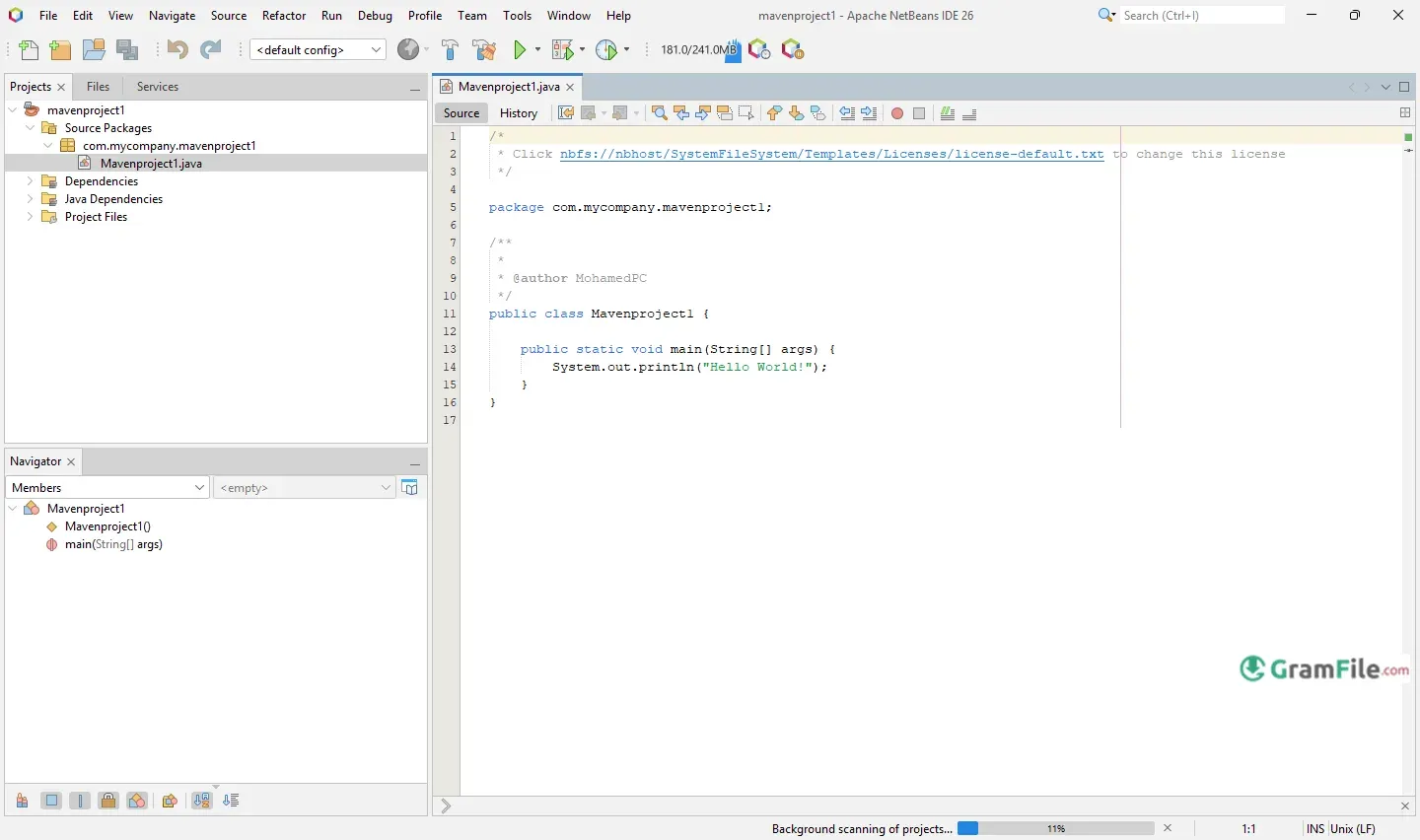
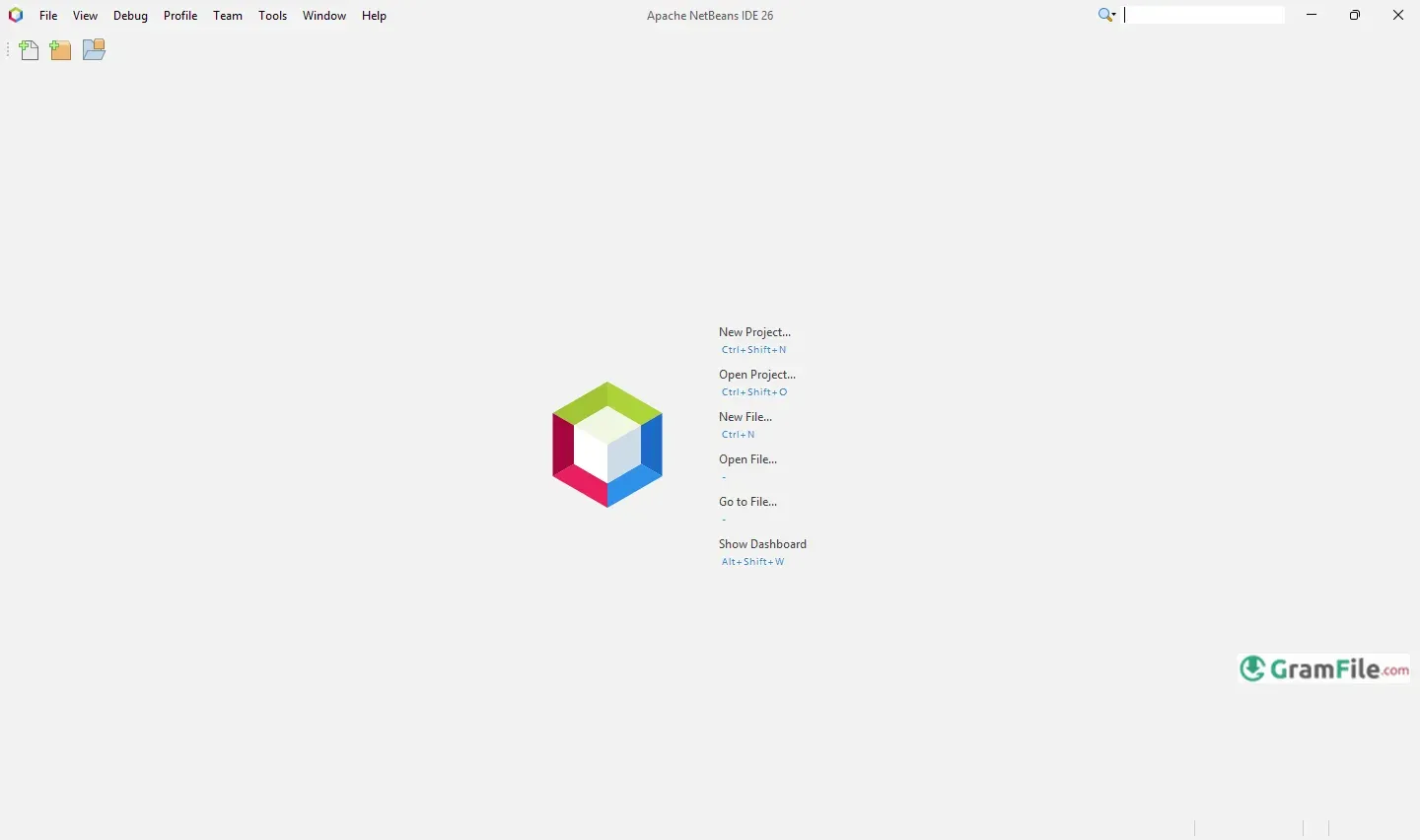
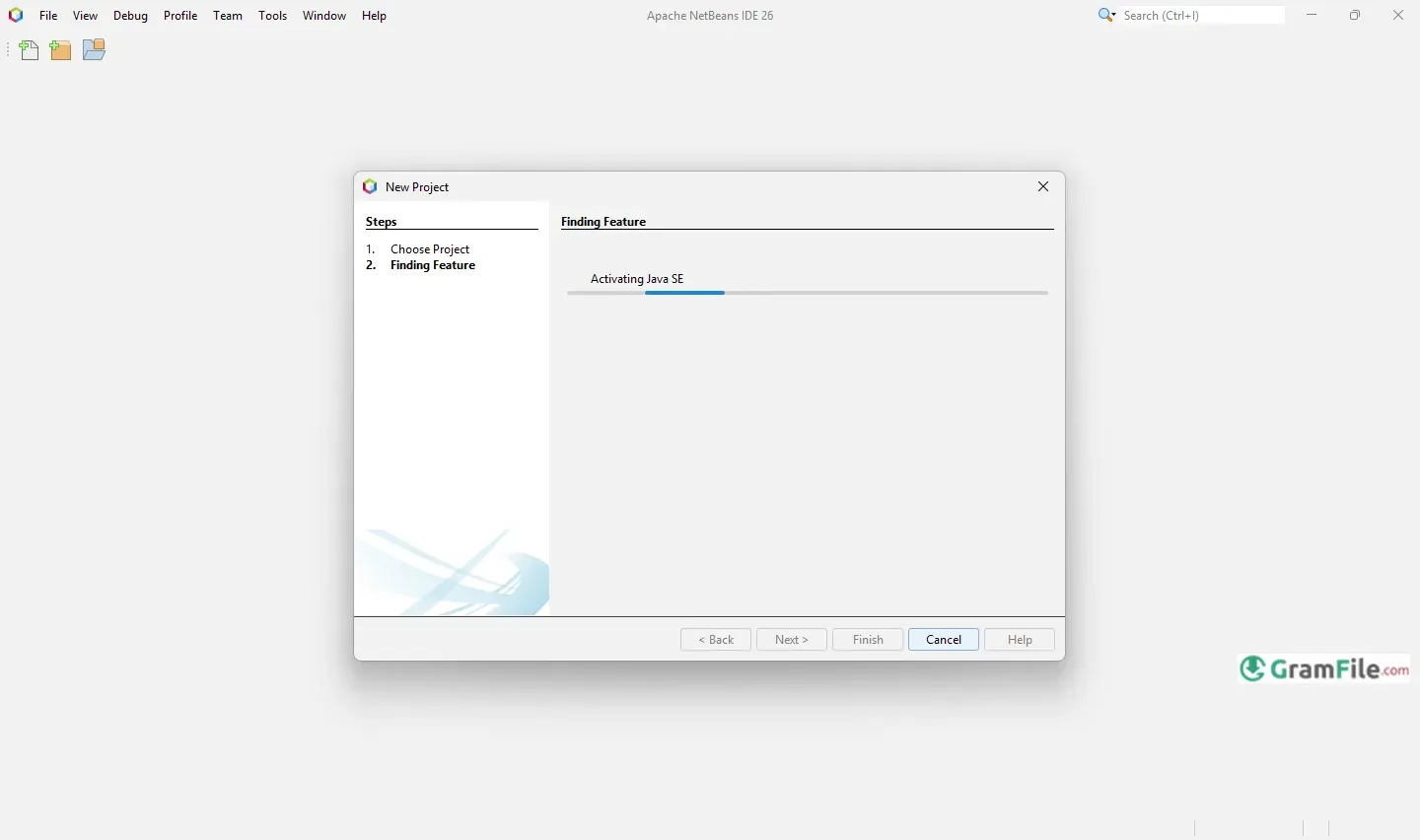
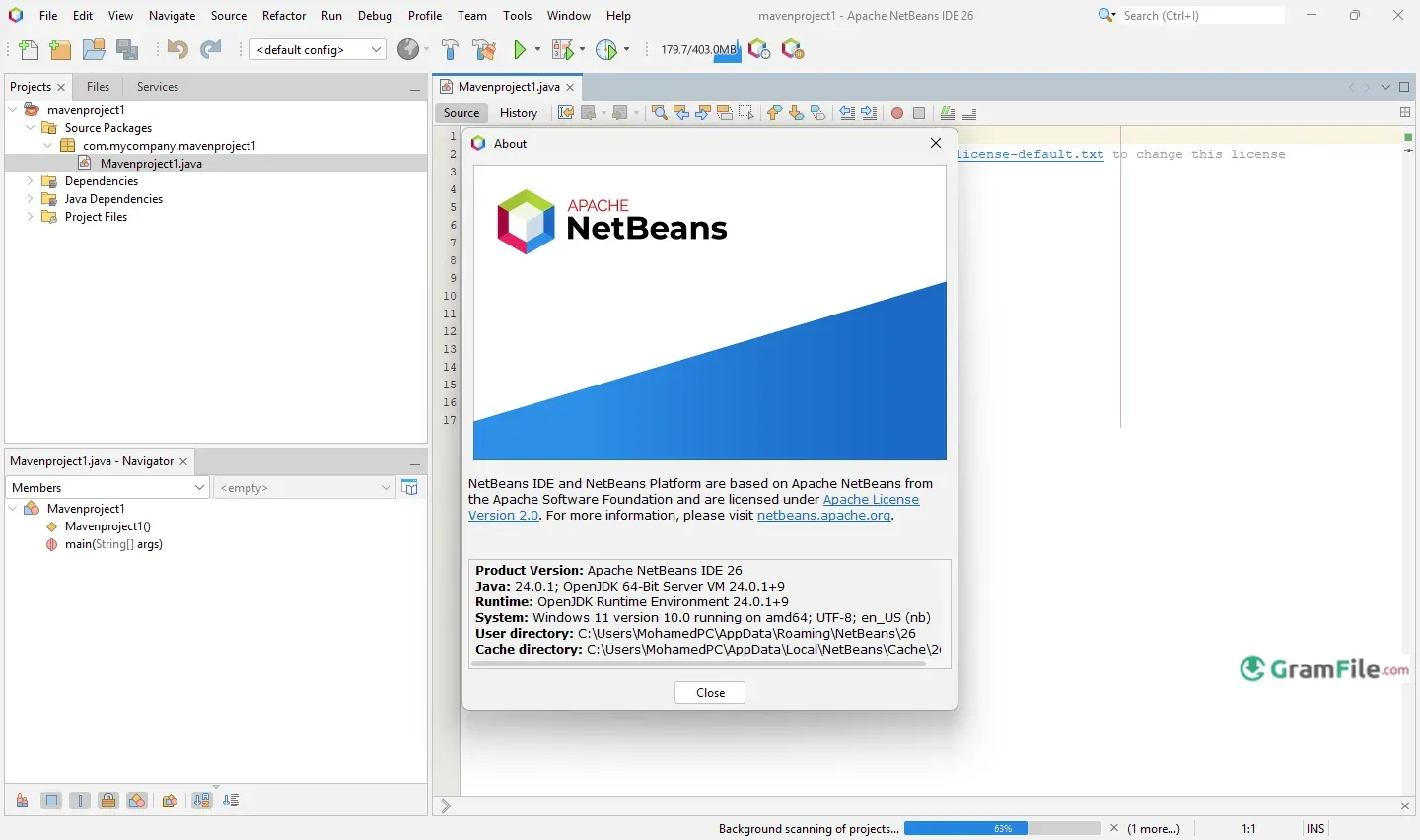
NetBeans for Windows is a user-friendly, open-source IDE that makes coding smoother and more efficient.
It supports a wide range of programming languages like Java, PHP, and C++, giving developers everything they need to write, test, and launch their projects.
The journey of NetBeans began back in 1996, created by a community of developers and later picked up by Sun Microsystems in 1999.
After Oracle acquired Sun, NetBeans continued to grow, and in 2016, it joined the Apache Software Foundation, ensuring it remained a vital tool in the hands of developers worldwide.
Today, it’s a go-to choice for anyone looking for a reliable, flexible coding environment.
What is NetBeans?
Imagine a smart notebook that helps you write code better, that’s NetBeans.
Originally focused on Java, it’s grown into a versatile platform supporting PHP, HTML5, C/C++, and more.
What makes it great? Its intelligent code completion that practically reads your mind and a debugger that helps you squash bugs before they become problems.
What’s New?
The latest version works smoother with modern Java projects and handles big files better. It’s not about flashy changes, just solid improvements where they matter most.
Why Java Developers Love It
For Java developers, NetBeans remains a top-tier choice. The IDE understands Java better than most, offering advanced refactoring tools, seamless Maven integration, and smart suggestions that learn from your coding style.
It’s like having an expert Java developer looking over your shoulder, quietly pointing out better ways to do things.
Online Capabilities
While NetBeans shines as a desktop application, it’s keeping pace with cloud development trends.
The environment plays nicely with remote projects and cloud-based repositories, though it’s not trying to be a full online IDE. It’s about giving you options without forcing you into someone else’s workflow.
How to Download & Install
This guide will walk you through each step, ensuring you have NetBeans up and running smoothly, ready for your coding adventures.
1. Check System Requirements
Before you begin, ensure your system meets the necessary requirements for installing NetBeans. The minimum requirements typically include:
- Operating System: Windows 10 or later
- RAM: At least 4GB (8GB recommended)
- Disk Space: 2GB or more of free space
- Java Runtime: Ensure you have Java installed on your system. NetBeans is built on Java, so it requires the Java Development Kit (JDK). If you don’t have it installed, you can download it separately from Oracle’s website.
2. Download the NetBeans Installer

The fastest way to download NetBeans is through our download page. Click on the above Green Download Button for official and direct download. This ensures you get a legitimate copy and avoid any potential malware.
3. Installation
1. Locate the downloaded .exe file (check Downloads folder).
2. Double-click to launch it. If Windows asks, click Yes to allow changes.
3. Click Next
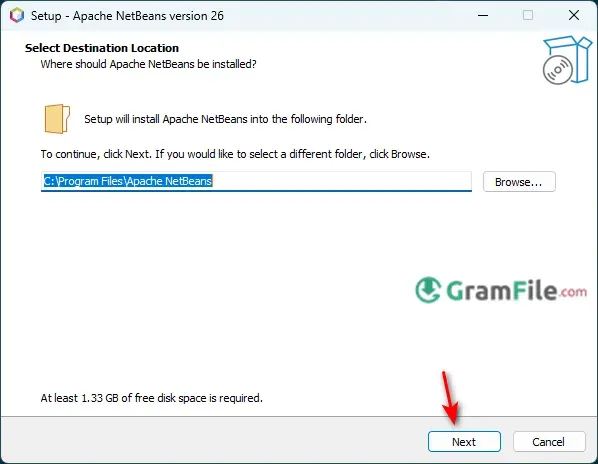
4. Click Install
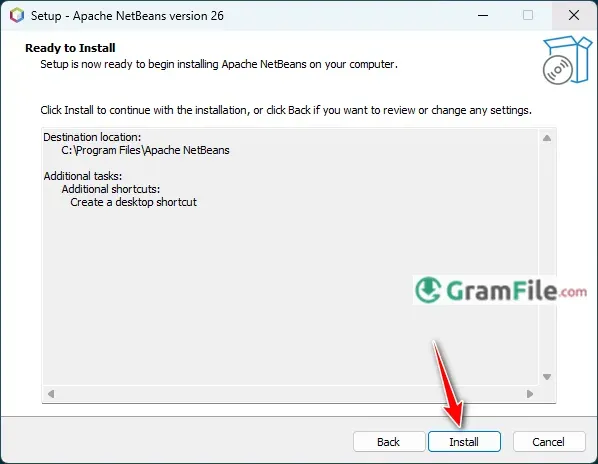
Once the installation is finished, you will see a confirmation screen. Click Finish to exit the installer. You can choose to launch NetBeans immediately by checking the box that says Launch NetBeans before clicking Finish.
Pros & Cons
What we liked
- Free and open-source.
- Excellent Java support.
- Lightweight and fast.
- Easy-to-use interface.
- Active community and regular updates.
What we didn't like
- Outdated interface
- Can slow down on big projects
- Steep learning curve
- Weak for modern web apps
Best NetBeans Alternatives
-
 Anaconda Navigator
A data science environment packed into a single installer.
-
 Arduino IDE
A coding playground for turning ideas into blinking lights and buzzing sensors.
-
 Visual Studio 2019
A versatile tool for building apps and software efficiently with smart coding features.
-
 Eclipse IDE
A development environment, and a structured space, where software engineers create applications.
Conclusion
4.7out of 5 · 43 user ratings
Why Choose NetBeans?
It’s free, great for Java, and just works. Like a trusty old tool, not magic but gets the job done.
NetBeans vs The Competition
Modern IDEs often have too many features that you’ll never use. NetBeans keeps it simple:
- Eclipse? More powerful but confusing
- IntelliJ? Smoother but costs money
- VS Code? Better for web dev but needs plugins
Final Call
NetBeans won’t win beauty contests, but for serious Java development, it remains shockingly capable. It’s the working coder’s IDE, no subscriptions, no bloat, just solid tools that help you build real software.
For students and Java professionals alike, it’s still one of the smartest free choices available.
Found a problem with this download? Report an outdated version, broken link, suspicious installer or incorrect information.
 Zoom Workplace
 Nitro PDF Pro
 Sumatra PDF
 IrfanView
 K-Lite Codec Pack
 WinRAR